Every time you connect to a website, your device sends along a return address. That address is your public IP, and it carries more information than most people expect. It is not just a technical necessity. It is a data point that websites, advertisers, and bad actors actively collect, log, and use, often without any notification to you at all.
Most people underestimate how much their IP address gives away before they have even clicked on anything.
– Your IP reveals your approximate location, your ISP, and your connection type to every server you contact
– Advertisers and data brokers use IP data to track users across multiple unrelated sites without cookies
– Tools like VPNs and encrypted DNS can significantly reduce what your public IP broadcasts
What Your IP Address Actually Contains
An IP address is a numerical identifier assigned to your internet connection. Your router has one, provided by your ISP, and that is the one the outside world sees. It is called your public IP, and it travels with every request you make online, every search, every page load, every video stream.
What surprises most people is how much can be inferred from that number alone. Geographic databases maintained by companies like MaxMind and IP2Location map IP ranges to specific regions, cities, and internet providers. The accuracy varies, but in most urban areas your city-level location is correct. Sometimes it is more precise than that.
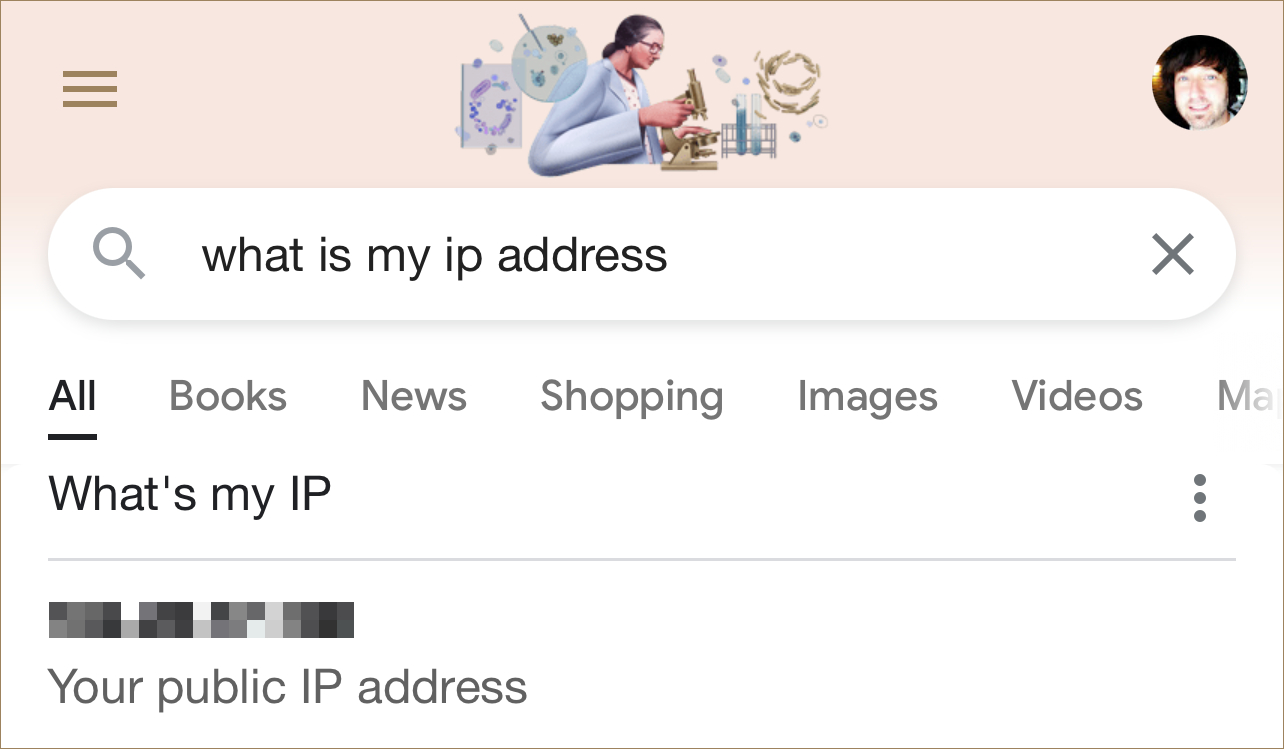
To see what your connection currently exposes, look up what’s my IP and review the data attached to your session right now. The results tend to catch people off guard.
What Shows Up in a Typical IP Lookup
A standard query returns a cluster of details that most people assume are private:
- Your city and region, often accurate to within a few miles in populated areas
- Your ISP name, whether that is Comcast, BT, or a regional carrier
- Your connection type, such as fiber, cable, or mobile broadband
- Your approximate time zone, which narrows down your physical location further
- In some cases, whether you are connecting through a known VPN or proxy server
None of this requires special access or hacking. It is derived from publicly available databases that anyone can query through an API. Some lookups return even more, including inferred device type and browser fingerprint data.
How Advertisers and Data Brokers Use Your IP
Cookies get most of the attention in privacy conversations, but IP addresses are often just as useful for tracking, and harder to control.
An advertiser can observe your behavior across multiple unrelated websites using your IP alone. Visit a fitness site, then a pharmacy, then a news aggregator, and that sequence can be logged, cross-referenced, and sold. Your ISP is also logging your DNS queries by default, unless you have switched to an encrypted alternative.
Understanding the full scope of cyber attack risks puts this in sharper focus. Your IP is frequently one of the first pieces of data used in targeted attacks, from credential stuffing to phishing campaigns. Knowing your ISP and approximate location gives bad actors a useful starting point before they have tried anything else.
Browser Habits That Amplify Your Exposure
Your IP address is only part of the picture. Several common browser behaviors make the tracking problem significantly worse:
- Using default DNS settings lets your ISP see every domain you visit, even when the page itself loads over HTTPS.
- Staying logged into Google or Meta while browsing ties your IP to your account identity across sessions and devices.
- Installing unreviewed browser extensions can allow third parties to read your traffic without any visible sign.
- Connecting from public Wi-Fi without a VPN makes your real IP visible to anyone monitoring that network, including the operator.
- Not clearing session data leaves behind residual identifiers that combine with your IP to make you more consistently trackable over time.
Each of these habits seems minor individually. Together, they build a detailed and persistent profile.
VPN, Proxy, and Tor: Comparing the Main Options
Not every privacy tool offers the same level of protection. Here is a plain comparison before you decide which direction to go.
Comparing IP Privacy Methods
A VPN replaces your real IP with the server’s IP and encrypts your traffic end to end. It protects all apps on your device, not just a single browser tab, and most providers offer simple one-click apps for every major platform.
A proxy does something similar but routes traffic from only one app, with weaker or no encryption. It is a shortcut, not a comprehensive privacy tool.
Tor takes a different approach entirely. It bounces traffic through multiple volunteer-run servers, stripping identifying data at each step. The result is strong anonymity but significantly slower speeds. It is better suited to situations where privacy is the top priority and speed is secondary.
For most people, a VPN is the practical balance. A detailed guide on hide my IP covers how to choose a provider with a verified no-logs policy, which settings matter most, and how to confirm your IP is actually masked after you connect.
Router-Level Changes That Cover Every Device
Configuring a VPN only on your laptop or phone leaves your other devices exposed. Smart TVs, gaming consoles, and connected home devices all have real public IPs and make their own outbound requests without you seeing them.
A better approach is to configure the VPN at the router level. Most mid-range routers support VPN client mode in their firmware. Once set up, every device on the network routes through the VPN automatically, with no per-device configuration required.
If a router-level VPN setup is not practical right now, switching your DNS resolver is a simpler change with real benefits. Providers like Cloudflare’s 1.1.1.1 and Quad9 do not log your queries and both support DNS over HTTPS. That single adjustment stops your ISP from building a detailed log of every domain you request.
P2P Software and the IP Visibility Problem
Peer-to-peer file sharing is one of the most direct situations where IP exposure matters. When you connect to a torrent swarm, your IP address is immediately visible to every other peer in that swarm. That can mean thousands of people, along with any monitoring organizations actively watching.
This is precisely why VPN use became standard practice among P2P users. Connecting through a VPN means the IP visible to the swarm belongs to the VPN server, not to you. Anyone using torrent software and concerned about privacy should treat a VPN as essential rather than optional in that context.
Practical Steps You Can Take Right Now
Most privacy improvements do not require technical skill. They require knowing what to change and then doing it. Here is where to start:
- Run an IP lookup to understand your current exposure before changing anything
- Install a VPN from a provider with an independently audited no-logs policy
- Enable DNS over HTTPS in your browser settings, or switch your system DNS to 1.1.1.1
- Use a privacy-respecting browser like Firefox or Brave as your daily driver
- Review which apps on your phone have background network access and restrict where possible
None of these steps makes you completely invisible. But each one adds friction for anyone trying to track you, and friction is the point. Most tracking is opportunistic. Making yourself a harder target is often enough to fall off the radar.
For anyone who wants to go further, the broader technology coverage on this site covers related privacy and security topics in depth.
Taking Back Control of Your Digital Footprint
Your public IP is something most people never think about. It is invisible, automatic, and easy to ignore. But it is also one of the most reliable pieces of data used to identify you online, arriving before cookies are set, before you log in, before you have done anything at all.
The good news is that solutions are accessible and do not require deep technical knowledge. A VPN, an encrypted DNS setup, and a few browser adjustments close off most of the common exposure points. The harder part is simply deciding to act.
Start by checking what your connection currently reveals. What you find there tends to make the next step obvious.