Checking Available Ringtones on Your Realme Device
When it comes to personalizing your Realme device, setting a unique ringtone can add a touch of individuality and flair. Before delving into the process of setting a custom ringtone, it's essential to explore the array of pre-installed ringtones available on your Realme device. This initial step allows you to familiarize yourself with the existing options and potentially discover a tone that resonates with your preferences.
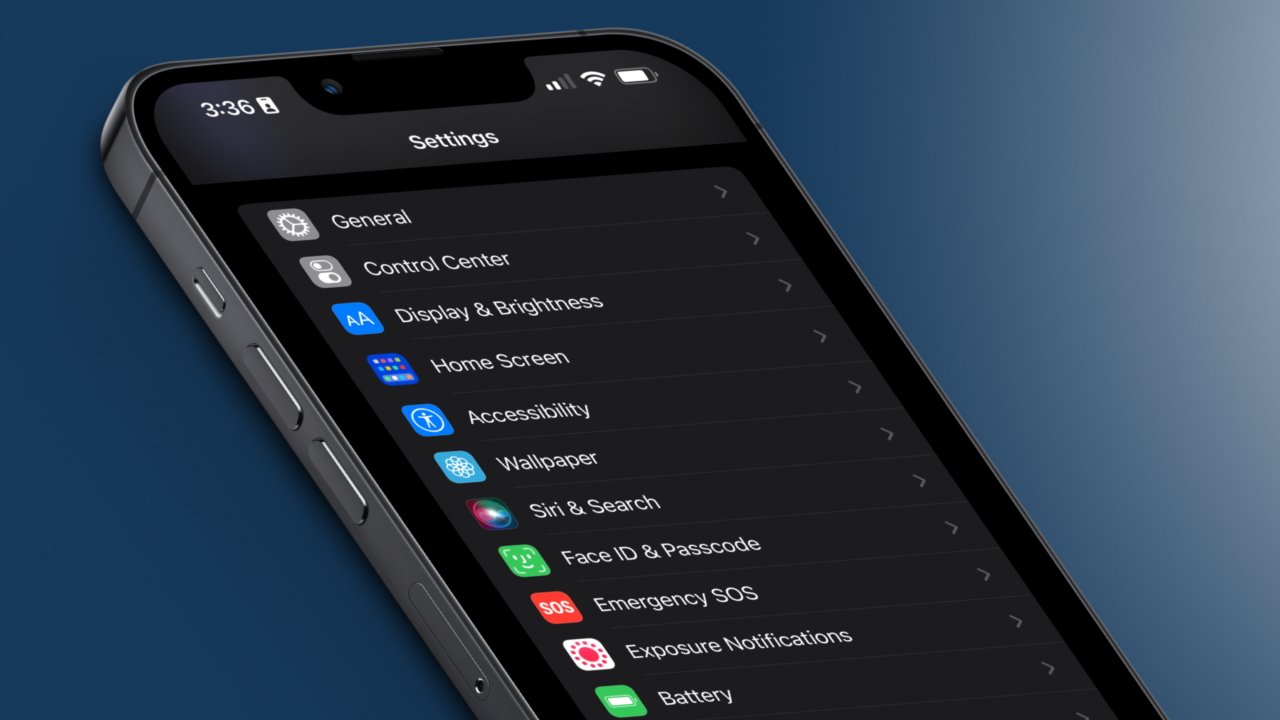
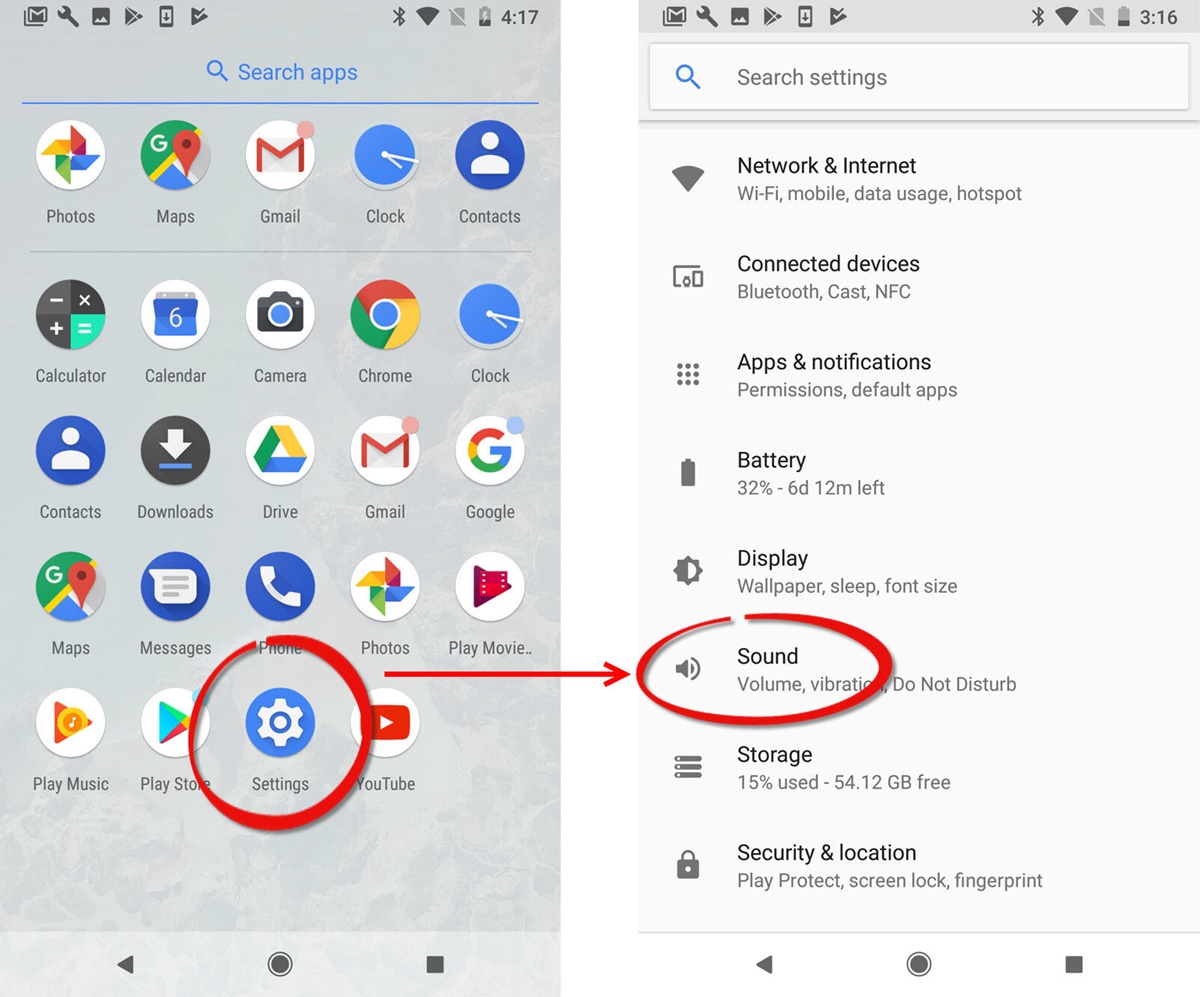
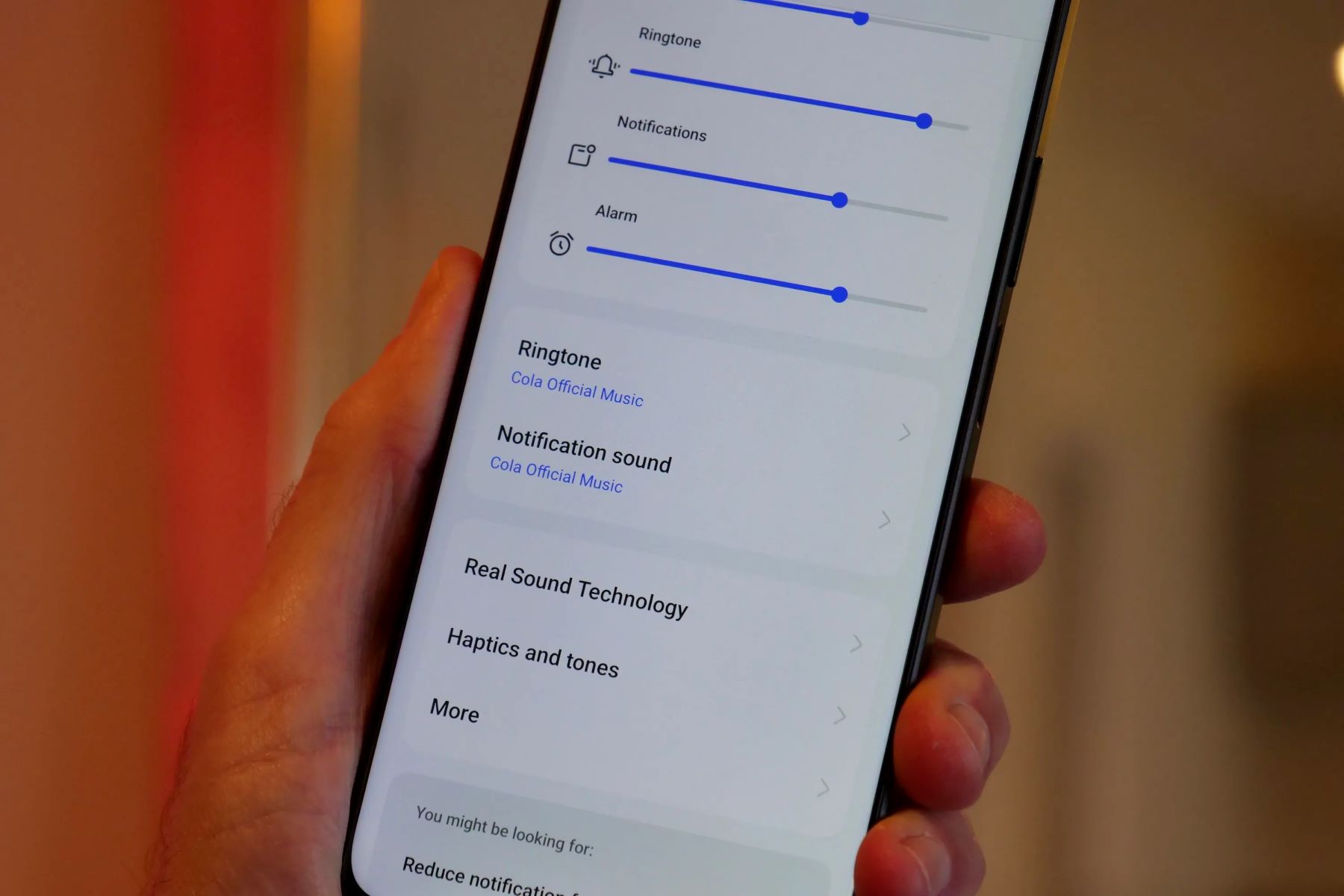
To begin, navigate to the "Settings" app on your Realme device. Upon entering the settings menu, locate and tap on the "Sound & Vibration" option. This will lead you to a selection of sound-related settings, including the "Ringtone" feature. By tapping on "Ringtone," you will gain access to a comprehensive compilation of built-in ringtones tailored to complement the Realme user experience.
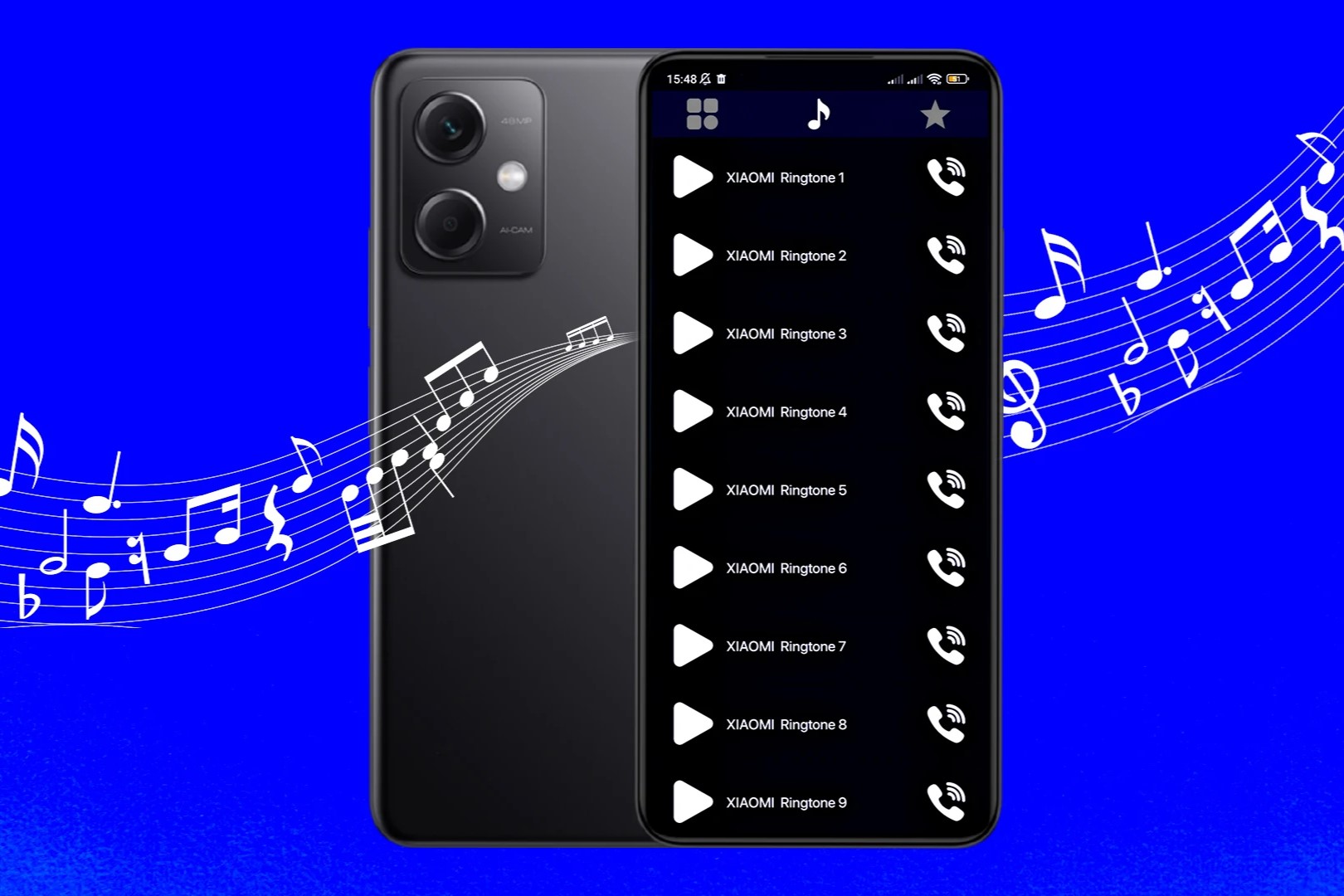
As you browse through the available ringtones, take note of the diverse range of sounds, encompassing melodious tunes, energetic rhythms, and soothing melodies. Realme devices often incorporate a variety of tones, catering to different preferences and moods. Whether you prefer a lively and upbeat ringtone to invigorate your day or a serene melody to create a calming ambiance, the assortment of pre-installed ringtones is designed to accommodate a spectrum of tastes.
Furthermore, the descriptive titles accompanying each ringtone offer insight into the character and ambiance of the sound. From "Digital Bell" to "Sunshine," these titles provide a glimpse into the essence of each tone, aiding in the selection process by allowing you to envision the auditory experience associated with the name.
By exploring the available ringtones on your Realme device, you can gain inspiration and discern which tone best aligns with your personal style and preferences. This exploration sets the stage for the subsequent steps of setting a default or custom ringtone, empowering you to curate a personalized auditory experience that resonates with your individuality.
In essence, the process of checking available ringtones on your Realme device serves as the foundation for the subsequent customization journey, allowing you to immerse yourself in the sonic tapestry of options and pave the way for the selection of a ringtone that harmonizes with your unique identity.
Setting a Default Ringtone on Your Realme Device
Setting a default ringtone on your Realme device is a fundamental aspect of personalizing your auditory experience. Whether you prefer a classic ringtone or a modern melody, Realme provides a seamless process for configuring your preferred default sound.
To initiate this customization, begin by accessing the "Settings" app on your Realme device. Once within the settings menu, navigate to the "Sound & Vibration" option. This section encompasses a range of sound-related settings, including the pivotal feature for setting the default ringtone.
Upon selecting the "Ringtone" option, you will encounter a diverse array of pre-installed ringtones, each offering a distinct auditory experience. From vibrant tunes to tranquil melodies, the selection caters to a spectrum of preferences, ensuring that you can find a default ringtone that resonates with your individual style.
Upon identifying the ideal default ringtone from the available options, simply tap on the preferred sound to set it as your default ringtone. This seamless process instantly configures your chosen ringtone as the default sound for incoming calls, enabling you to infuse your Realme device with a personalized touch.
It's important to note that the default ringtone serves as a reflection of your personal taste and style, contributing to the overall user experience of your Realme device. Whether you opt for a lively and spirited ringtone to invigorate your day or a serene melody to evoke a sense of tranquility, the chosen default ringtone becomes an integral part of your device's identity.
By setting a default ringtone that resonates with your preferences, you imbue your Realme device with a touch of individuality, transforming the act of receiving calls into a personalized and enjoyable experience. Furthermore, the straightforward process of configuring a default ringtone underscores Realme's commitment to user-friendly customization, ensuring that users can effortlessly tailor their devices to align with their unique preferences.
In essence, setting a default ringtone on your Realme device is a simple yet impactful way to infuse your device with personal flair, allowing you to craft an auditory experience that harmonizes with your individual style and preferences.
Setting a Custom Ringtone on Your Realme Device from the Built-in Options
In addition to the array of pre-installed ringtones, Realme devices offer the flexibility to set a custom ringtone from the built-in options, allowing users to further personalize their auditory experience. This feature empowers users to select a unique sound that resonates with their individual style, ensuring that incoming calls are accompanied by a tone that reflects their personality.
To embark on the process of setting a custom ringtone from the built-in options, access the "Settings" app on your Realme device and navigate to the "Sound & Vibration" section. Within this menu, locate and tap on the "Ringtone" option to explore the assortment of pre-installed ringtones tailored to complement the Realme user experience.
Once within the ringtone selection interface, you will encounter a diverse range of built-in options, each offering a distinct auditory experience. From vibrant tunes to tranquil melodies, the collection caters to a spectrum of preferences, ensuring that users can find a ringtone that aligns with their unique identity.
Upon identifying a built-in ringtone that resonates with your personal style, simply tap on the preferred sound to set it as your custom ringtone. This straightforward process seamlessly configures your chosen sound as the custom ringtone for incoming calls, enabling you to infuse your Realme device with a personalized touch that reflects your individuality.
The ability to set a custom ringtone from the built-in options underscores Realme's commitment to providing users with a seamless and tailored experience, allowing them to curate their devices according to their preferences. This feature not only enhances the personalization aspect of Realme devices but also elevates the overall user experience by enabling users to engage with their devices in a manner that aligns with their unique tastes and preferences.
In essence, the process of setting a custom ringtone from the built-in options on your Realme device represents a pivotal aspect of personalization, empowering users to infuse their devices with a touch of individuality and create an auditory experience that harmonizes with their personal style.
Setting a Custom Ringtone on Your Realme Device from Your Music Library
In addition to the pre-installed and built-in options, Realme devices offer the flexibility to set a custom ringtone from your personal music library, allowing you to infuse your auditory experience with a touch of individuality. This feature empowers you to select a unique sound that resonates with your personal style, ensuring that incoming calls are accompanied by a tone that reflects your personality and preferences.
To embark on the process of setting a custom ringtone from your music library, begin by accessing the "Settings" app on your Realme device and navigating to the "Sound & Vibration" section. Within this menu, locate and tap on the "Ringtone" option to explore the available customization options.
Upon selecting the "Ringtone" option, you will be presented with the choice to set a custom ringtone from your music library. By tapping on this option, you gain access to your device's music library, where you can browse and select a song that encapsulates the vibe and ambiance you desire for your incoming call notifications.
Once within your music library, peruse the collection of songs and identify the track that you envision as your custom ringtone. Whether it's a catchy chorus, a soothing instrumental piece, or a beloved melody, the freedom to select from your personal music library adds a layer of personalization to your Realme device.
Upon identifying the song that resonates with your individual style, simply tap on the preferred track to set it as your custom ringtone. This seamless process instantly configures your chosen song as the custom ringtone for incoming calls, allowing you to infuse your Realme device with a personalized touch that reflects your unique musical preferences.
The ability to set a custom ringtone from your music library underscores Realme's commitment to providing users with a tailored and personalized experience, allowing you to curate your device according to your individual tastes. This feature not only enhances the personalization aspect of Realme devices but also elevates the overall user experience by enabling you to engage with your device in a manner that aligns with your unique preferences.
In essence, the process of setting a custom ringtone from your music library on your Realme device represents a pivotal aspect of personalization, empowering you to infuse your device with a touch of individuality and create an auditory experience that harmonizes with your personal style.