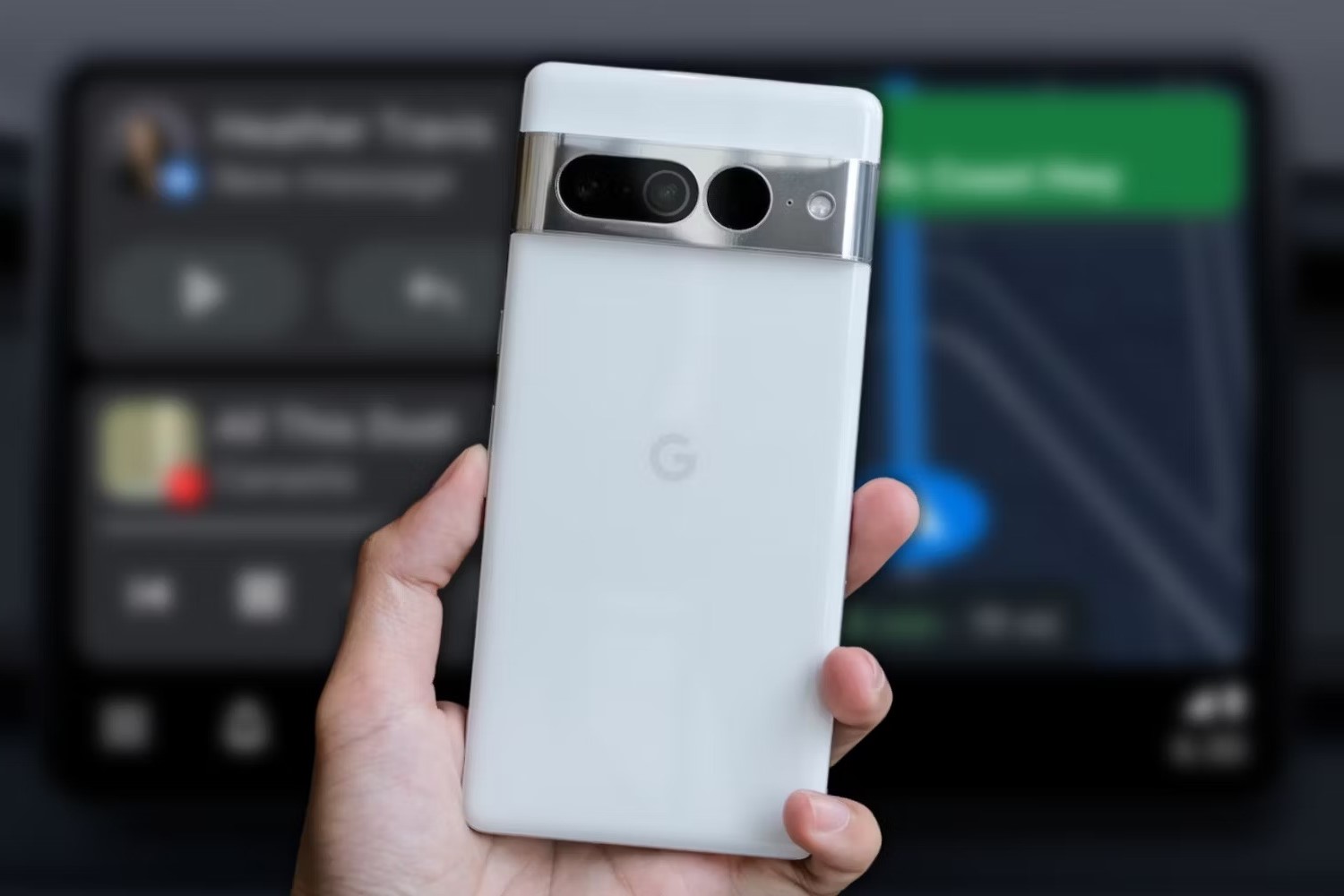
Benefits of Pairing Pixel 6 with Your Car
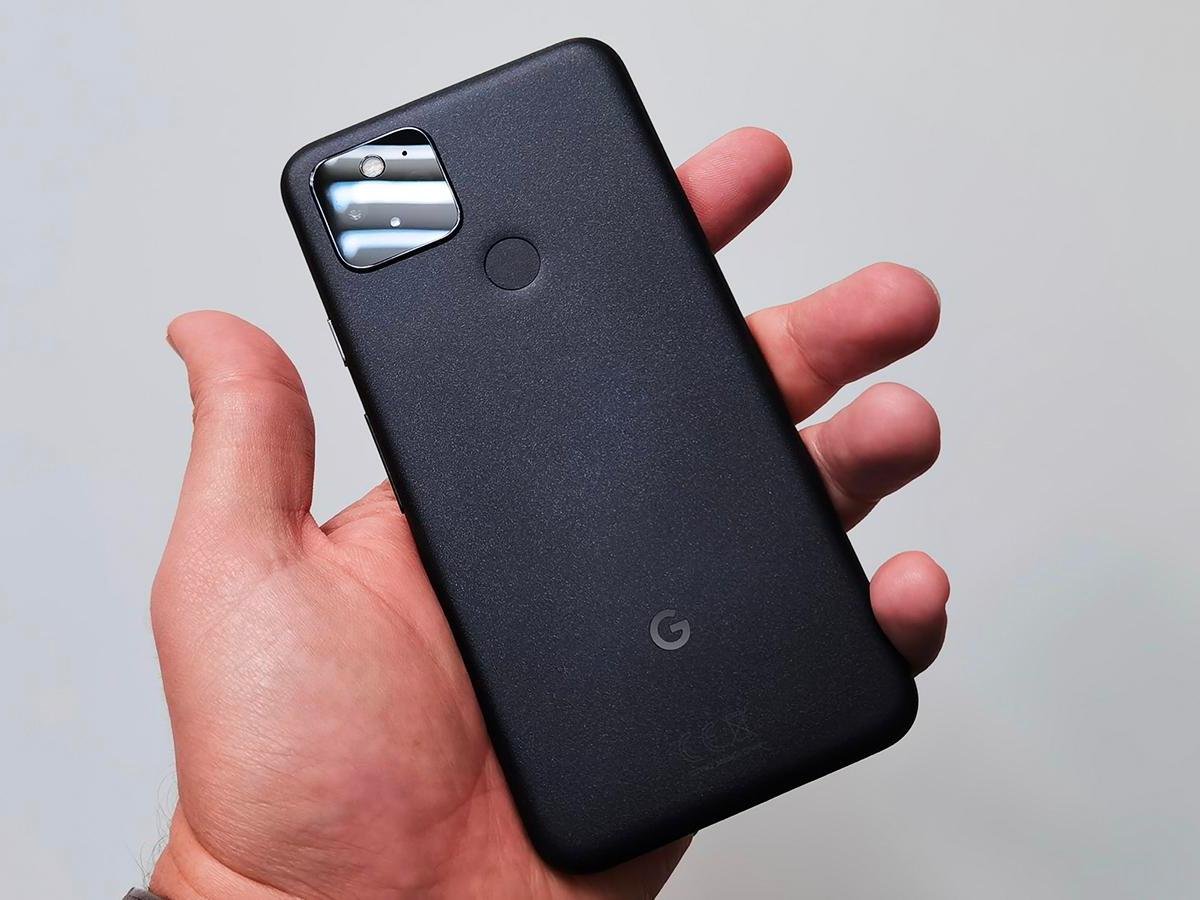
Pairing your Pixel 6 with your car can revolutionize your driving experience, offering a plethora of benefits that seamlessly integrate the power of your smartphone with the convenience of your vehicle. Here's a closer look at the advantages of this integration:
-
Enhanced Connectivity: By pairing your Pixel 6 with your car, you can harness the full potential of your smartphone while on the go. This connectivity allows you to seamlessly access your contacts, messages, and apps, ensuring that you stay connected without compromising safety.
-
Hands-Free Communication: With your Pixel 6 integrated into your car's system, you can effortlessly make and receive calls, send messages, and use voice commands without taking your hands off the wheel. This hands-free communication not only enhances convenience but also promotes safe driving practices.
-
Access to Navigation and Traffic Updates: Pairing your Pixel 6 with your car enables you to utilize its advanced navigation features, including real-time traffic updates and optimized routes. This ensures that you can reach your destination efficiently while avoiding congested roads and unexpected delays.
-
Entertainment on the Go: Whether you're embarking on a long road trip or simply navigating through daily commutes, integrating your Pixel 6 with your car provides access to a wide array of entertainment options. From streaming music and podcasts to enjoying hands-free access to your favorite audio content, the possibilities for on-the-go entertainment are limitless.
-
Seamless Integration of Apps: Pairing your Pixel 6 with your car allows for seamless integration of compatible apps, such as music streaming services, messaging platforms, and voice assistants. This integration enhances the overall driving experience by providing easy access to essential apps without causing distractions.
-
Enhanced Safety Features: With your Pixel 6 integrated into your car's system, you can leverage its safety features, such as emergency assistance and hands-free operation, to prioritize safety while driving. This integration empowers you to focus on the road ahead while staying connected and informed.
-
Customization and Personalization: Integrating your Pixel 6 with your car opens up opportunities for customization and personalization, allowing you to tailor your driving experience to suit your preferences. From personalized settings to tailored app integrations, the seamless pairing enhances the overall driving environment.
In essence, pairing your Pixel 6 with your car offers a myriad of benefits that cater to connectivity, safety, entertainment, and personalization, ultimately transforming your driving experience into a seamless and enjoyable journey.
Steps to Pair Pixel 6 with Your Car
Pairing your Pixel 6 with your car is a straightforward process that unlocks a world of convenience and connectivity. Follow these simple steps to seamlessly integrate your smartphone with your vehicle's system:
-
Prepare Your Pixel 6: Begin by ensuring that your Pixel 6 is powered on and within close proximity to your car. It's essential to have Bluetooth enabled on your smartphone to facilitate the pairing process.
-
Access Car's Bluetooth Settings: In your car, access the Bluetooth settings either through the infotainment system or the vehicle's dashboard interface. Typically, this involves navigating to the Bluetooth menu within the car's settings.
-
Initiate Pairing Mode: Within the car's Bluetooth settings, select the option to initiate pairing or search for nearby devices. This action prompts the car's system to scan for available Bluetooth devices, including your Pixel 6.
-
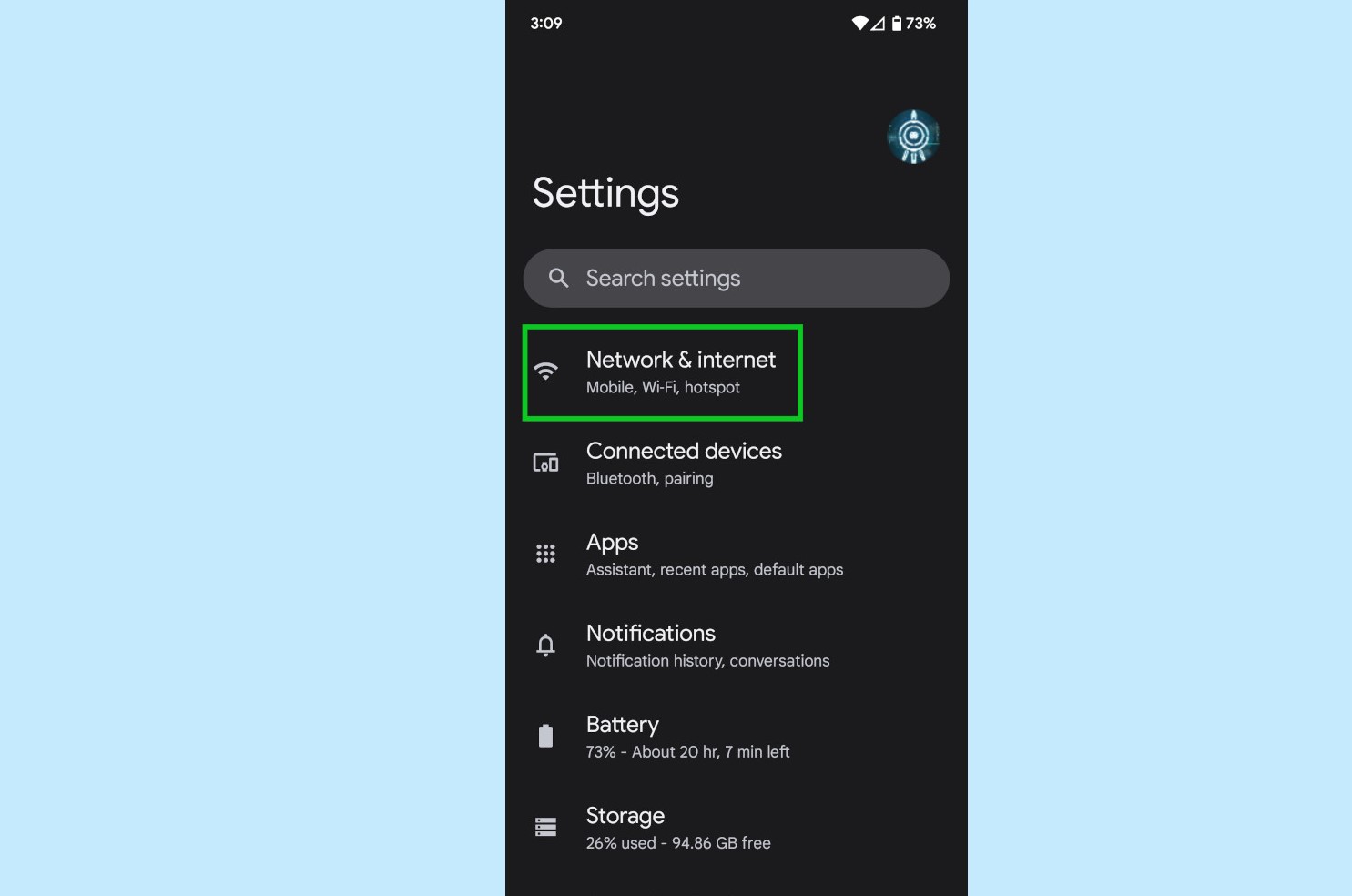
Enable Bluetooth Visibility on Pixel 6: On your Pixel 6, navigate to the Bluetooth settings within the device's system preferences. Ensure that the Bluetooth visibility or pairing mode is enabled, allowing your smartphone to be discoverable by other devices.
-
Select Car System on Pixel 6: Once your car's system detects available Bluetooth devices, including your Pixel 6, select the car's system from the list of available devices on your smartphone. This action initiates the pairing process between your Pixel 6 and your car.
-
Confirm Pairing Code: Depending on your car's Bluetooth system, you may be prompted to confirm a pairing code on both your Pixel 6 and the car's interface. Verify the code displayed on your car's system matches the one shown on your smartphone and confirm the pairing.
-
Complete Pairing Process: After confirming the pairing code, your Pixel 6 and your car's system will establish a secure Bluetooth connection. Once the pairing process is complete, you will receive a confirmation message on both your smartphone and your car's interface.
-
Test Connectivity: To ensure a successful pairing, test the connectivity by accessing your Pixel 6's features through your car's system. This includes making a test call, playing music, or using voice commands to interact with your smartphone's functions.
By following these straightforward steps, you can seamlessly pair your Pixel 6 with your car, unlocking a myriad of features and enhancing your driving experience with seamless connectivity and convenience.
Using Pixel 6 Features in Your Car
Once your Pixel 6 is successfully paired with your car, you gain access to a wide array of features that seamlessly integrate the power of your smartphone with the convenience of your vehicle's system. Here's a closer look at how you can leverage the capabilities of your Pixel 6 while on the road:
Hands-Free Communication
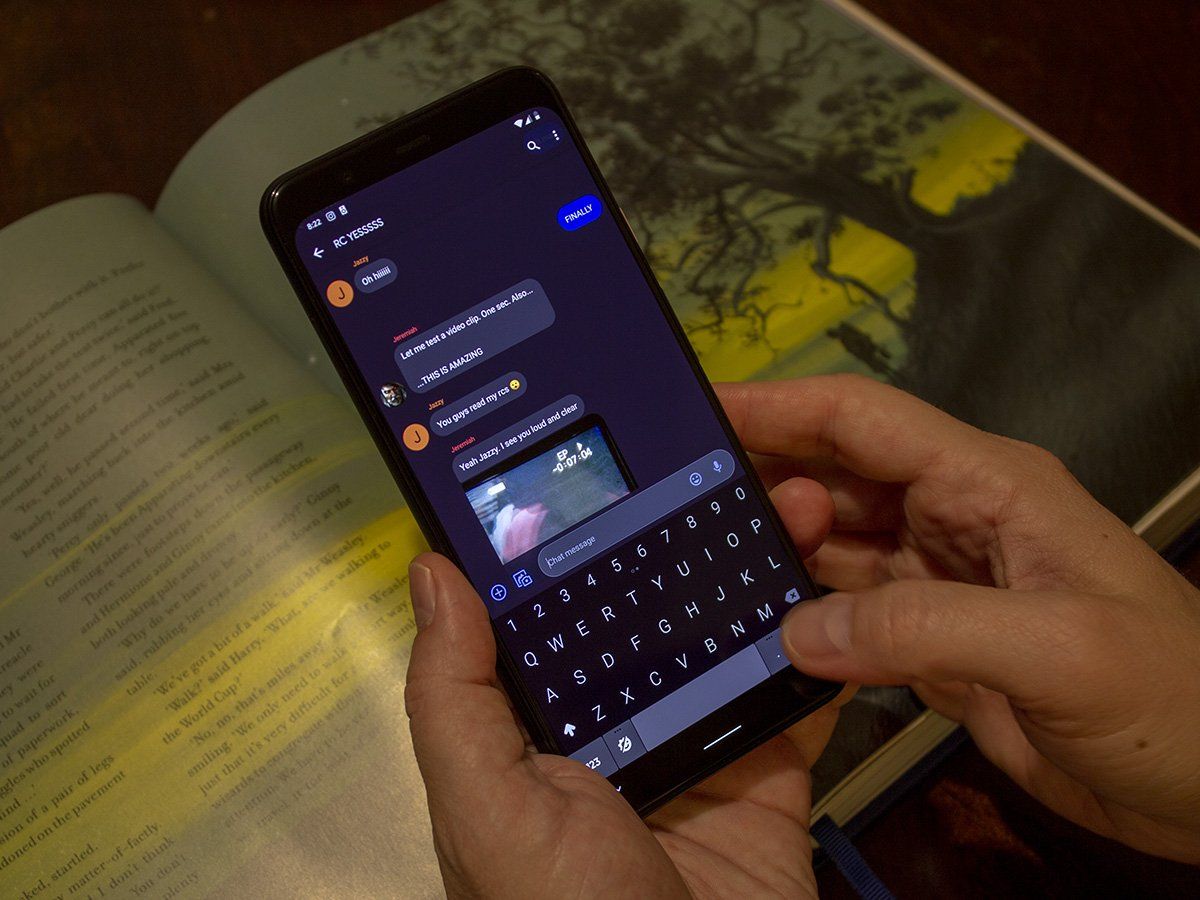
With your Pixel 6 integrated into your car's system, you can effortlessly engage in hands-free communication. Utilize the voice command feature to make and receive calls, send messages, and access your contacts without taking your hands off the wheel. This not only enhances convenience but also promotes safe driving practices, allowing you to stay connected while prioritizing road safety.
Navigation and Traffic Updates
Leverage the advanced navigation features of your Pixel 6 to access real-time traffic updates and optimized routes directly through your car's interface. Seamlessly navigate to your destination while avoiding congested roads and unexpected delays. The integration of your smartphone's navigation capabilities with your car's system ensures a smooth and efficient driving experience.
Entertainment On the Go
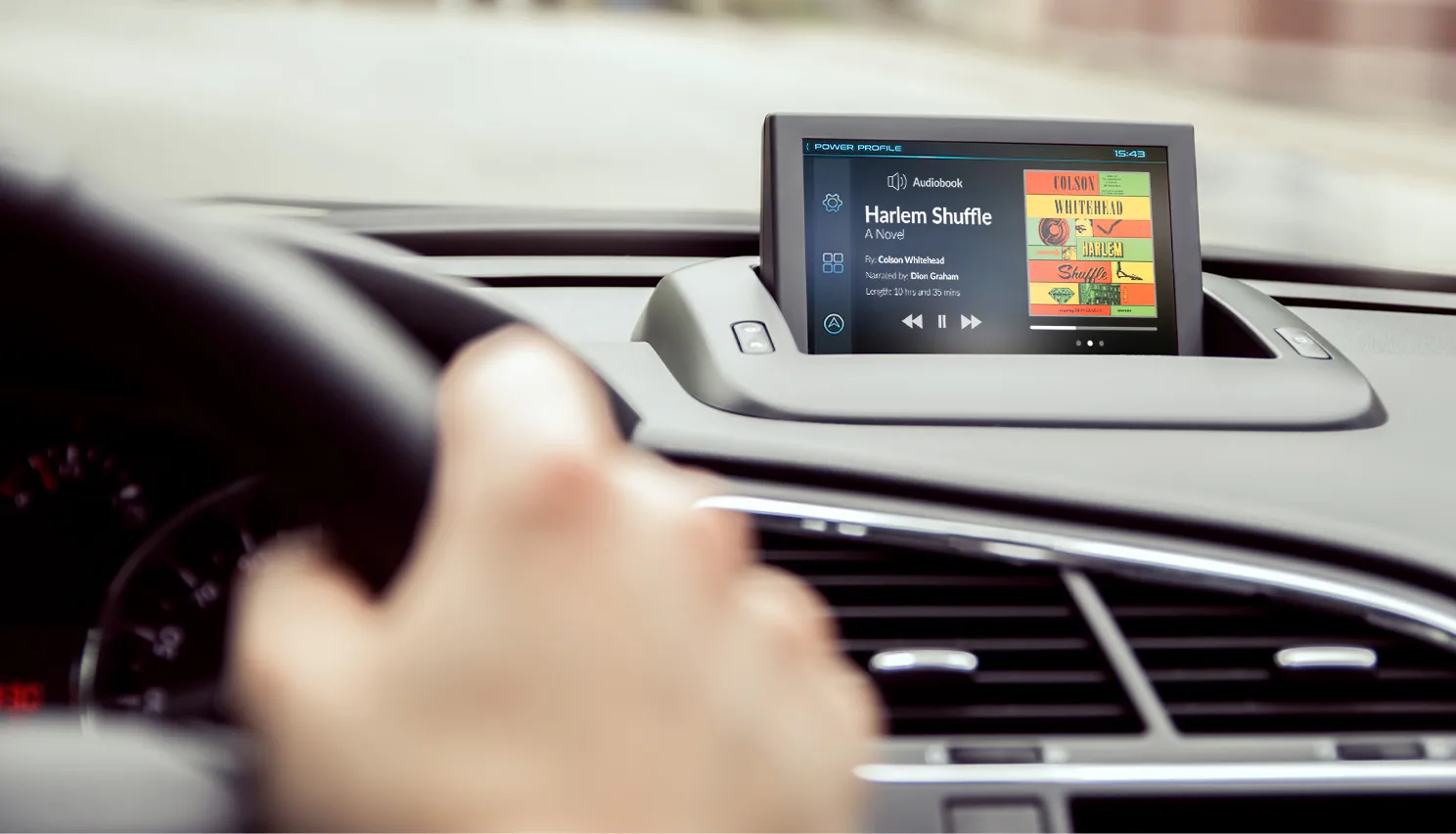
Whether you're embarking on a long road trip or navigating through daily commutes, integrating your Pixel 6 with your car provides access to a plethora of entertainment options. Stream your favorite music, podcasts, or audiobooks directly through your car's audio system, allowing you to enjoy hands-free entertainment while on the move.
App Integration
Pairing your Pixel 6 with your car enables seamless integration of compatible apps, such as music streaming services, messaging platforms, and voice assistants. Access and control these apps through your car's interface, allowing for a seamless transition between your smartphone and your vehicle's system. This integration enhances the overall driving experience by providing easy access to essential apps without causing distractions.
Safety Features
Integrating your Pixel 6 with your car's system allows you to leverage its safety features, such as emergency assistance and hands-free operation. In the event of an emergency, you can quickly access help through your smartphone's integrated safety features, ensuring peace of mind while on the road.
Personalization and Customization
With your Pixel 6 seamlessly integrated into your car's system, you can personalize and customize your driving experience. Tailor settings, app integrations, and preferences to suit your individual needs, creating a personalized driving environment that enhances comfort and convenience.
By utilizing these features, you can elevate your driving experience by seamlessly integrating the capabilities of your Pixel 6 with your car's system, creating a connected and convenient driving environment.
Troubleshooting Common Issues with Pairing Pixel 6 with Your Car
Pairing your Pixel 6 with your car can significantly enhance your driving experience, but like any technological integration, it may encounter common issues that can disrupt the seamless connectivity between your smartphone and your vehicle's system. Understanding and effectively troubleshooting these issues is crucial to ensure a smooth and uninterrupted pairing process. Here's a comprehensive guide to troubleshooting common problems that may arise when pairing your Pixel 6 with your car:
Bluetooth Connectivity Issues
One of the most common issues encountered when pairing a smartphone with a car is Bluetooth connectivity problems. If you experience difficulty establishing a stable Bluetooth connection between your Pixel 6 and your car's system, start by ensuring that Bluetooth is enabled on both devices. Additionally, check for any potential interference from other Bluetooth devices in close proximity and attempt to pair your devices in an environment with minimal interference.
Incompatibility with Car's System
In some cases, compatibility issues may arise when attempting to pair your Pixel 6 with your car's system. Ensure that your car's infotainment system or Bluetooth interface is compatible with the Pixel 6. It's advisable to consult the car's manual or contact the manufacturer to verify compatibility and explore any available software updates or patches that may address compatibility issues.
Software Updates and Firmware Compatibility
Outdated software or firmware on either your Pixel 6 or your car's system can lead to pairing issues. Check for and install any available updates for both devices to ensure that they are running the latest compatible software versions. Software updates often include bug fixes and enhancements that can address connectivity issues and improve overall performance.
Resetting Bluetooth Connections
If you encounter persistent pairing issues, consider resetting the Bluetooth connections on both your Pixel 6 and your car's system. This process typically involves deleting the existing Bluetooth pairing profiles and re-establishing the connection from scratch. Refer to the user manuals for both devices for specific instructions on resetting Bluetooth connections.
Interference from Other Devices
External interference from nearby electronic devices or wireless signals can disrupt the Bluetooth connectivity between your Pixel 6 and your car. Minimize potential interference by moving away from sources of wireless signals and electronic devices when attempting to pair your smartphone with your car.
Troubleshooting Device-Specific Issues
If specific features of your Pixel 6, such as hands-free calling or media playback, are not functioning as expected after pairing with your car, consult the device settings and ensure that the necessary permissions and access are granted for seamless integration with the car's system.
By addressing these common issues and following the troubleshooting steps outlined above, you can overcome potential obstacles and ensure a successful pairing between your Pixel 6 and your car. Effective troubleshooting not only enhances the connectivity and functionality of the integration but also contributes to a seamless and enjoyable driving experience.