Signs of a Degraded Battery
Signs of a Degraded Battery
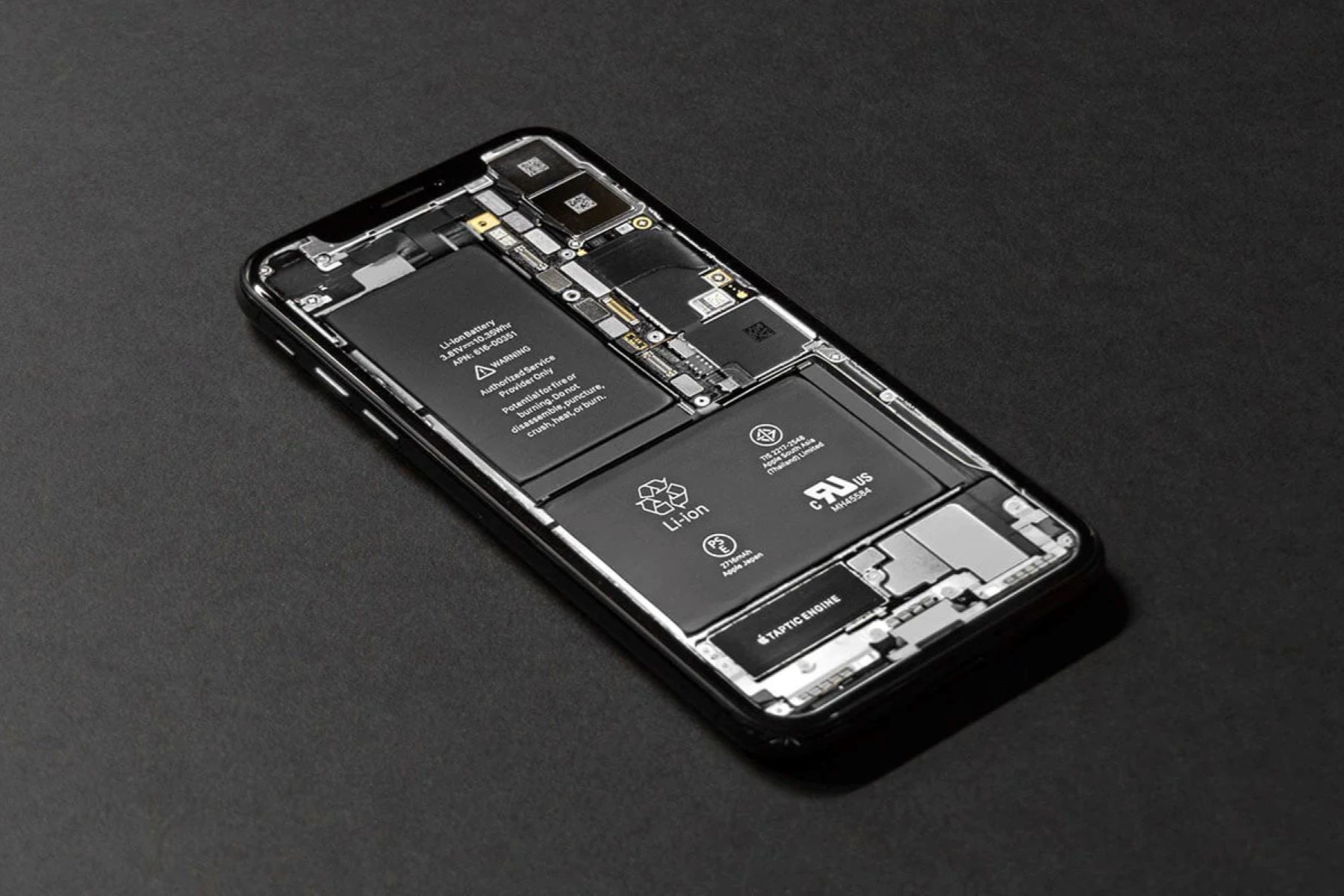
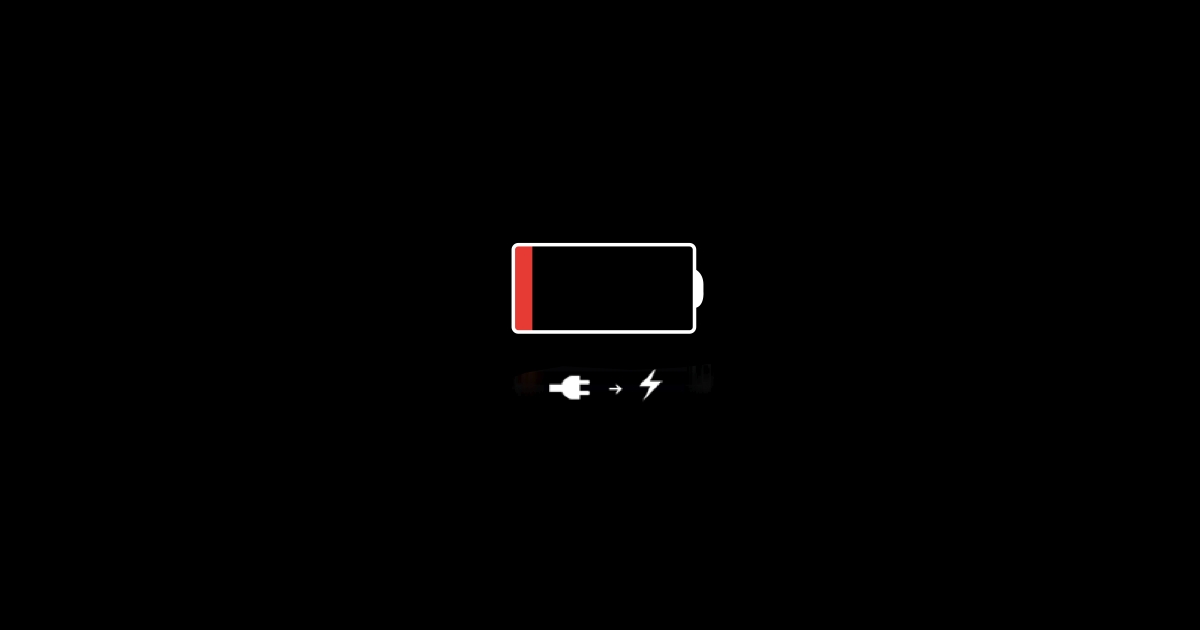
As your iPhone ages, the battery naturally undergoes wear and tear, leading to a decline in performance. Recognizing the signs of a degraded battery is crucial for maintaining the optimal functionality of your device. Here are some common indicators that your iPhone battery may be deteriorating:
- Shortened Battery Life: If your iPhone’s battery life seems to be diminishing significantly, requiring more frequent charges throughout the day, this could be a clear indication of a degraded battery. As the battery’s capacity decreases over time, it holds less charge, resulting in shorter usage periods between charges.
- Rapid Battery Drain: Sudden and rapid depletion of the battery, especially when engaging in tasks that previously had minimal impact on battery life, can signal a deteriorating battery. If you find yourself constantly reaching for the charger, despite minimal usage, it may be time to assess the health of your battery.
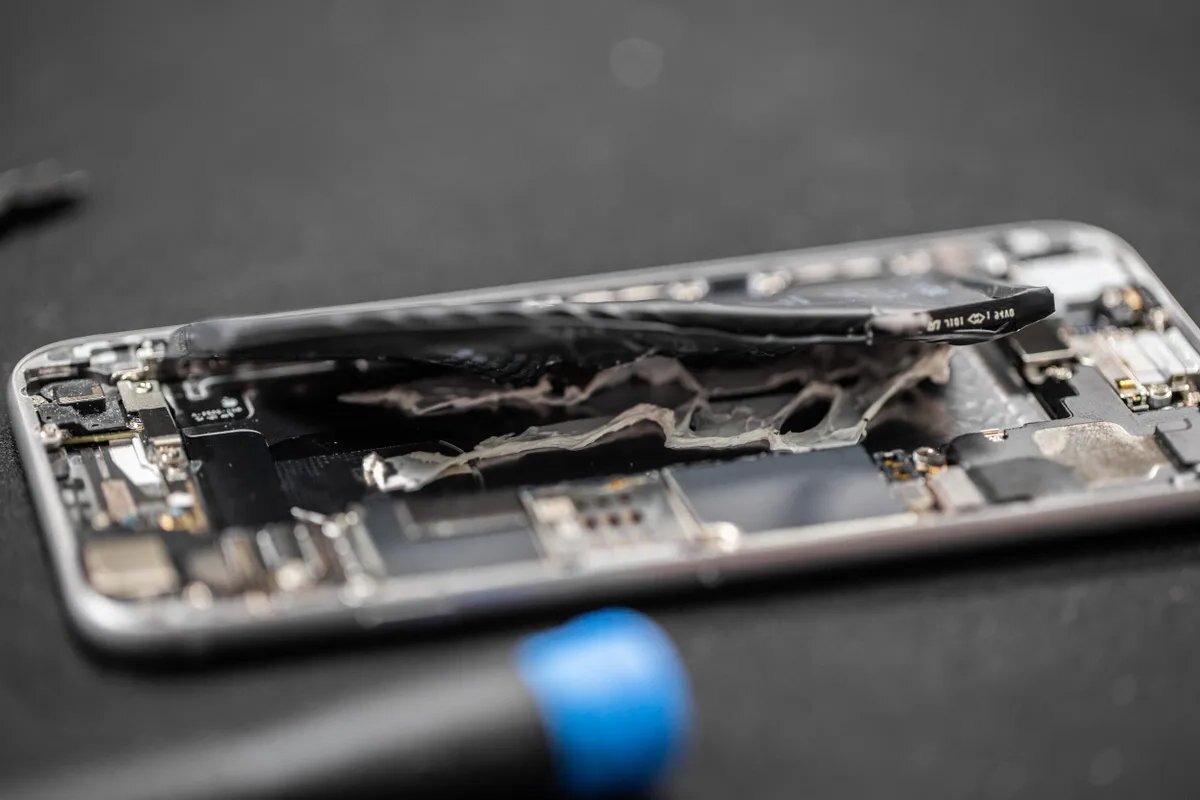
- Increased Heat Generation: A noticeable rise in the temperature of your iPhone during usage or charging could be a sign of battery degradation. As the battery becomes less efficient, it may generate more heat while powering the device, potentially leading to discomfort or safety concerns.
- Delayed Performance: If your iPhone exhibits sluggishness, freezes, or experiences unexpected shutdowns, even with sufficient battery charge remaining, the battery’s diminished capacity may be impacting the device’s overall performance.
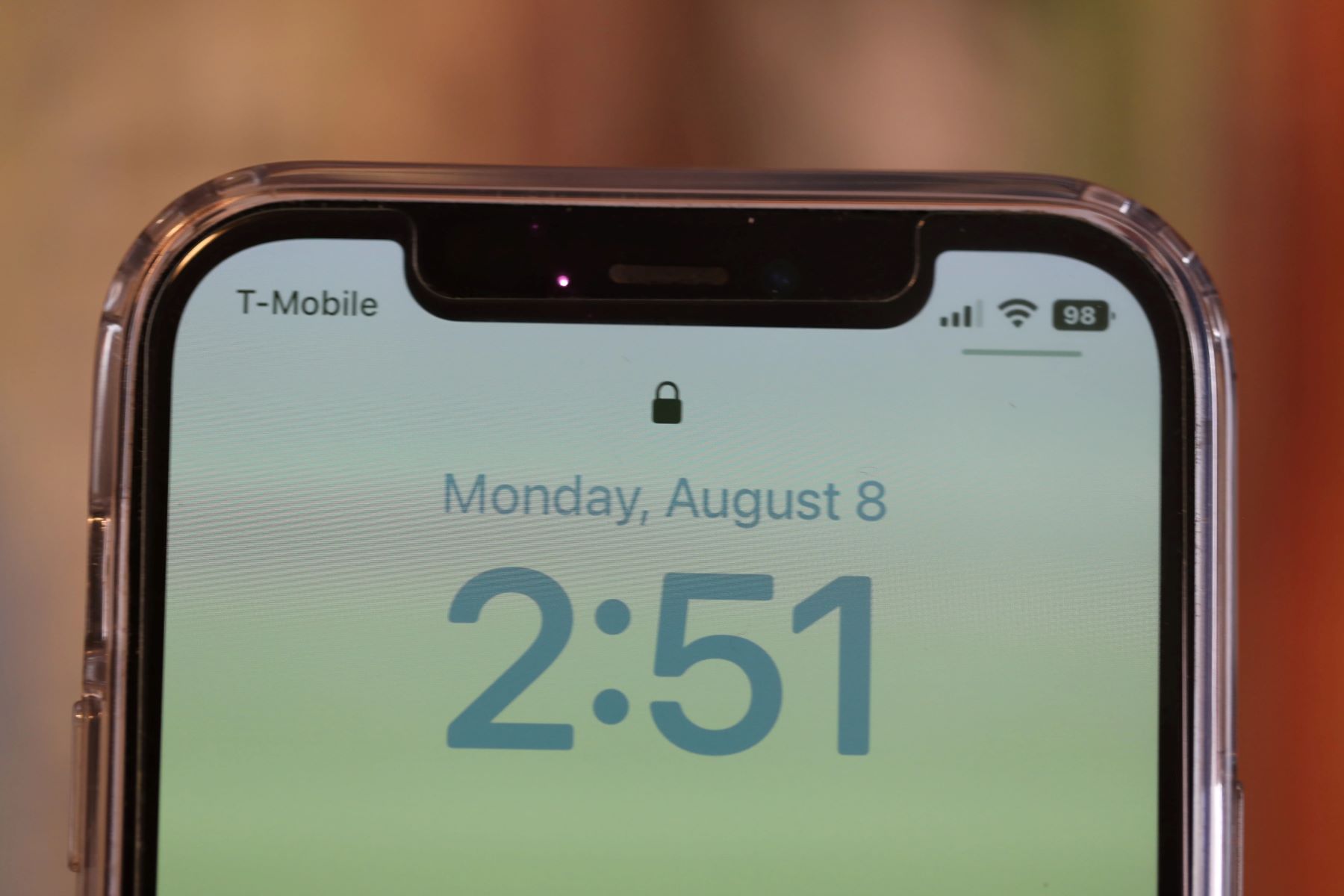
- Inconsistent Battery Percentage: Your iPhone’s battery percentage may fluctuate unexpectedly or display inaccurate readings, jumping from high to low levels without consistent usage patterns. This inconsistency often points to a degraded battery that struggles to maintain a stable charge.
These observable signs serve as valuable cues to assess the condition of your iPhone’s battery. Monitoring these indicators can aid in determining when it’s time to conduct a thorough evaluation of your battery’s health.
How to Check Your iPhone Battery Health
How to Check Your iPhone Battery Health
Assessing the health of your iPhone battery is essential for understanding its current state and determining whether a replacement is necessary. Fortunately, Apple provides built-in tools that enable users to evaluate their device’s battery health with ease. Here’s how you can check your iPhone battery’s health:
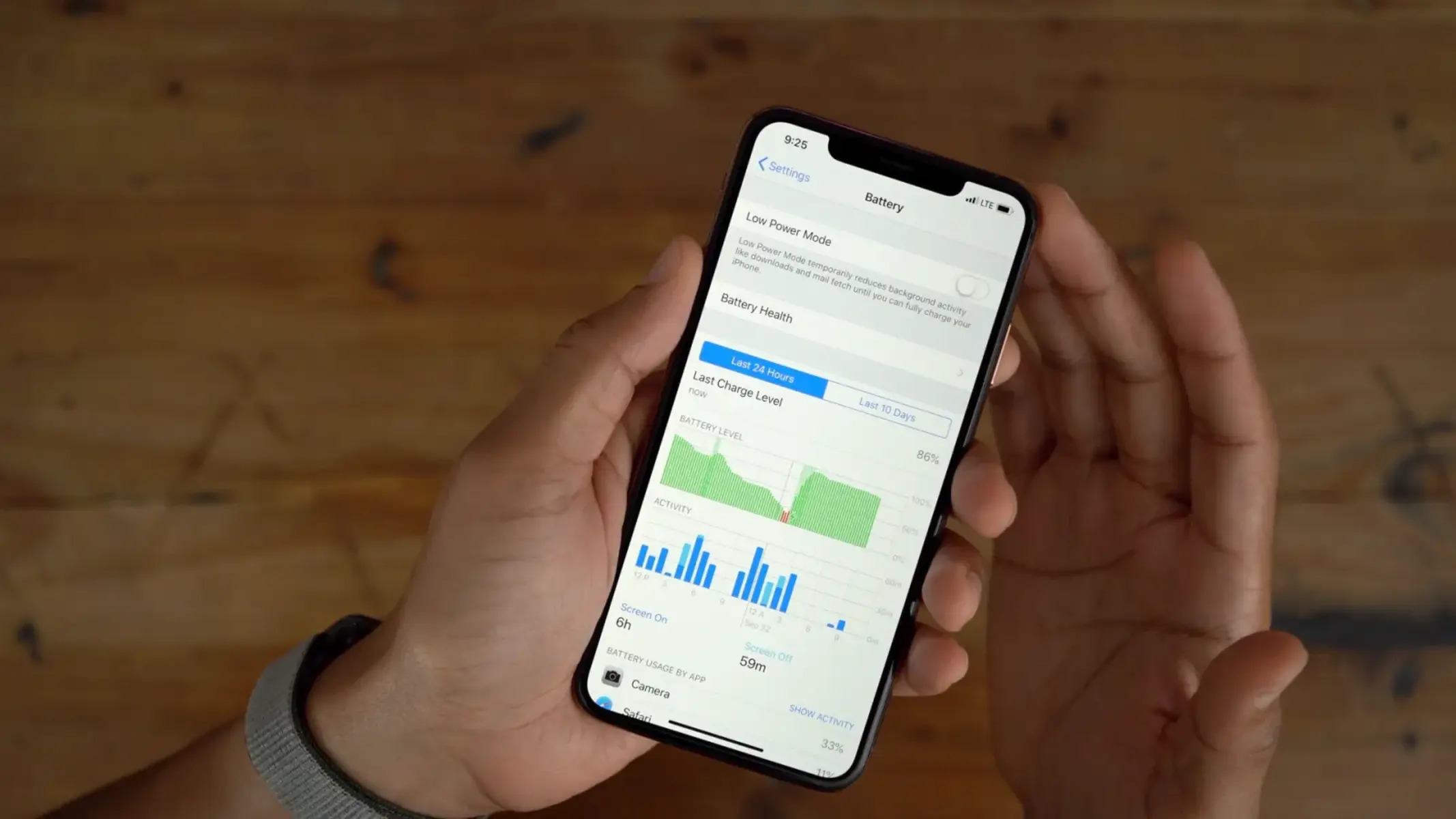
- Utilize the Battery Health Feature: Navigate to the “Settings” app on your iPhone and select “Battery.” Within the Battery settings, tap on “Battery Health” to access a comprehensive overview of your battery’s performance. This feature provides valuable insights into the maximum capacity and peak performance capability of your battery, allowing you to gauge its overall health.
- Review Maximum Capacity: The Battery Health section displays the maximum capacity of your battery, indicating its current ability to hold charge compared to when it was new. A lower maximum capacity percentage suggests a degraded battery that may require attention.
- Check Peak Performance Capability: In addition to maximum capacity, the Battery Health feature presents information about your battery’s peak performance capability. This metric reflects whether your battery can support the device’s full performance potential without unexpected shutdowns. A degraded battery may exhibit reduced peak performance capability, impacting the overall user experience.
- Monitor Battery Usage: Observing the battery usage patterns on your iPhone can also offer insights into its health. Identify any irregularities in battery consumption or charging behavior, and take note of any persistent issues such as rapid depletion or erratic percentage fluctuations.
By leveraging these built-in tools and closely monitoring your iPhone’s battery performance, you can proactively assess its health and make informed decisions regarding potential battery replacement or maintenance. Regularly checking your battery health empowers you to address any concerns promptly, ensuring a reliable and efficient user experience.
When to Consider Replacing Your iPhone Battery
When to Consider Replacing Your iPhone Battery
Understanding the optimal timing for replacing your iPhone battery is pivotal in preserving the device’s performance and prolonging its lifespan. Several key indicators can help determine when it’s appropriate to consider a battery replacement:
- Diminished Maximum Capacity: When the maximum capacity of your iPhone battery declines significantly, reaching a level that impedes regular usage patterns, it may be time to contemplate a replacement. A reduced maximum capacity indicates that the battery’s ability to hold charge has diminished, resulting in frequent recharging and shortened usage durations.
- Declining Peak Performance Capability: If your battery’s peak performance capability diminishes to the extent that it hinders the device’s smooth operation, replacing the battery becomes a viable solution. Reduced peak performance capability may lead to unexpected shutdowns, slow responsiveness, and overall suboptimal user experience.
- Persistent Battery Issues: Consistent battery-related problems, such as rapid drainage, erratic percentage readings, or frequent overheating during usage or charging, signify underlying battery degradation. Addressing these persistent issues by replacing the battery can restore the device’s reliability and functionality.
- Age-Related Wear: As iPhones age, the natural wear and tear on the battery become more pronounced, impacting its overall performance. If your device is several years old and exhibits signs of battery degradation, considering a battery replacement can revitalize its capabilities and extend its usability.
Recognizing these signs and acknowledging the impact of battery degradation on your iPhone’s performance empowers you to make informed decisions regarding battery replacement. Proactively addressing deteriorating battery health can enhance the overall user experience and ensure the sustained functionality of your device.
Benefits of Replacing Your iPhone Battery
Benefits of Replacing Your iPhone Battery
Opting to replace your iPhone battery offers a multitude of advantages, revitalizing the device and enhancing its overall performance. Consider the following benefits of replacing your iPhone battery:
- Extended Battery Life: A new battery restores your iPhone’s ability to hold charge, significantly extending its battery life. With improved longevity, you can enjoy prolonged usage periods between charges, enhancing the convenience and portability of your device.
- Enhanced Performance: Replacing a degraded battery can substantially improve the overall performance of your iPhone. Eliminating issues such as unexpected shutdowns, slow responsiveness, and erratic battery behavior contributes to a smoother and more responsive user experience.
- Consistent Reliability: A fresh battery instills reliability in your device, minimizing the likelihood of sudden power loss or disruptions during critical tasks. This consistency fosters a dependable user experience, particularly during extended usage periods or when engaging in resource-intensive activities.
- Optimized Charging Behavior: A new battery promotes more consistent and predictable charging behavior, mitigating issues such as rapid depletion and irregular percentage fluctuations. This optimized charging capability enhances the overall usability and convenience of your iPhone.
- Extended Device Lifespan: By replacing the battery, you can prolong the lifespan of your iPhone, allowing you to continue using the device effectively for an extended period. This not only maximizes the value of your investment but also reduces the need for premature device replacement.
Embracing the benefits of a new battery empowers you to unlock the full potential of your iPhone, ensuring a reliable, efficient, and enduring user experience. By proactively addressing battery degradation, you can optimize the functionality of your device and derive greater satisfaction from its performance.
How to Replace Your iPhone Battery
How to Replace Your iPhone Battery
While replacing an iPhone battery may seem daunting, following the appropriate steps and precautions can facilitate a smooth and successful battery replacement process. Here’s a comprehensive guide on how to replace your iPhone battery:
- Assess Compatibility: Ensure that you have the correct replacement battery compatible with your specific iPhone model. Authenticity and compatibility are crucial to guarantee optimal performance and safety.
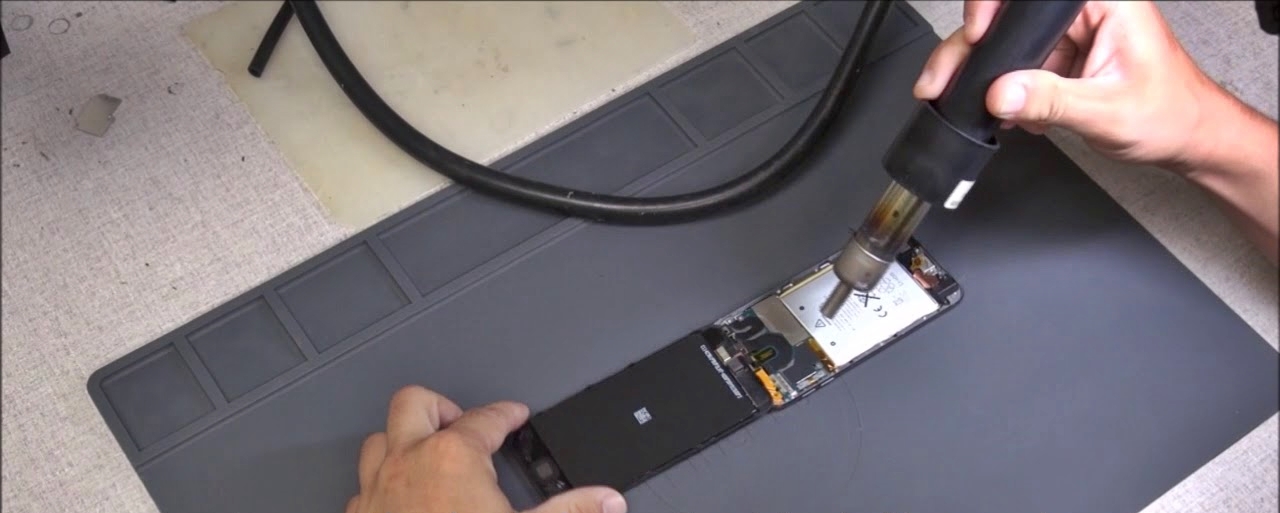
- Gather Necessary Tools: Acquire the essential tools for the battery replacement, including specialized screwdrivers, spudgers, and adhesive strips. These tools are instrumental in safely accessing and removing the old battery.
- Power Off Your iPhone: Before initiating the replacement process, power off your iPhone to prevent any potential electrical hazards during the procedure.
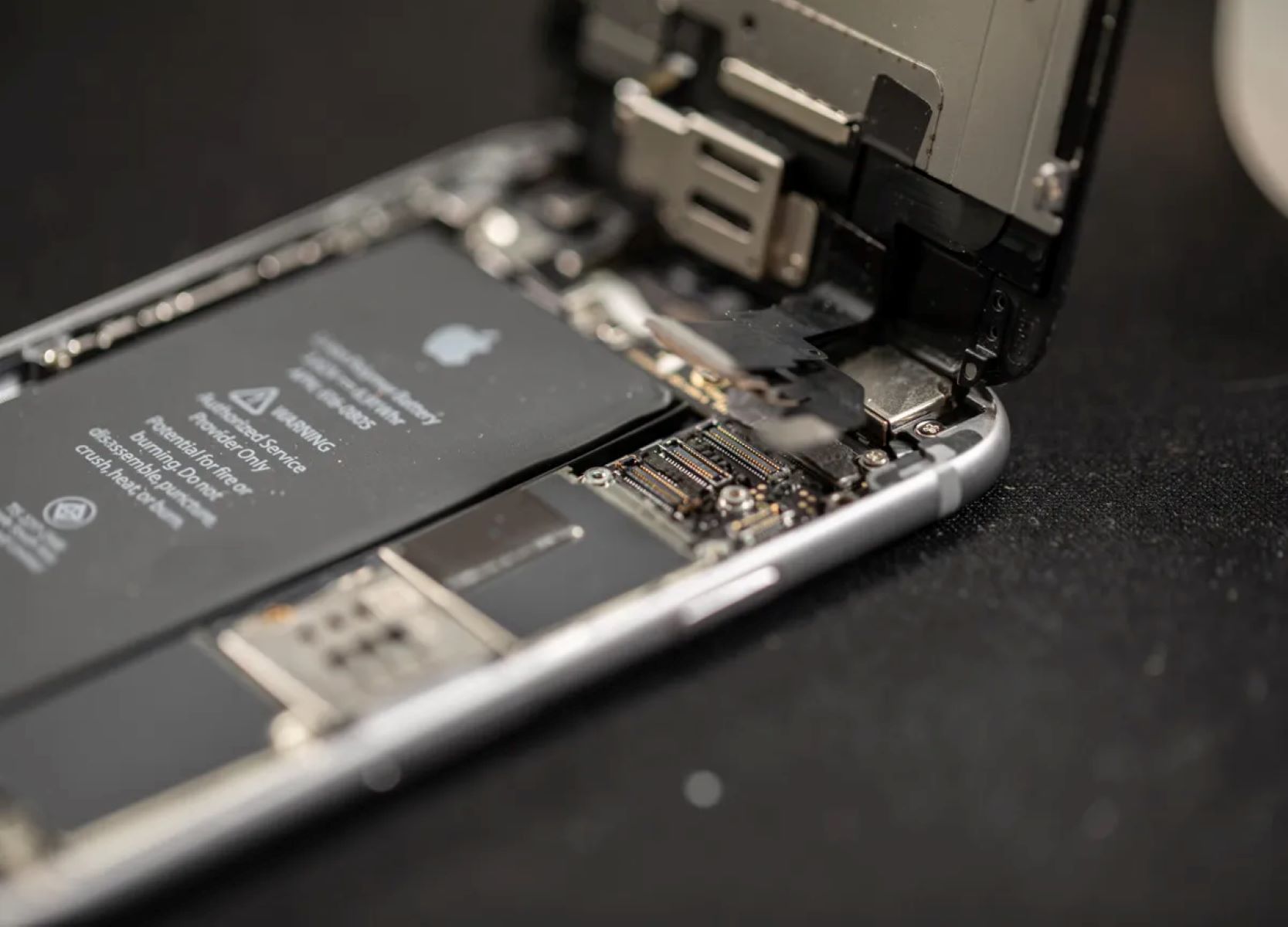
- Remove the External Housing: Disassemble the external housing of your iPhone by carefully unscrewing and prying open the device using the appropriate tools. Exercise caution to avoid damaging the internal components.
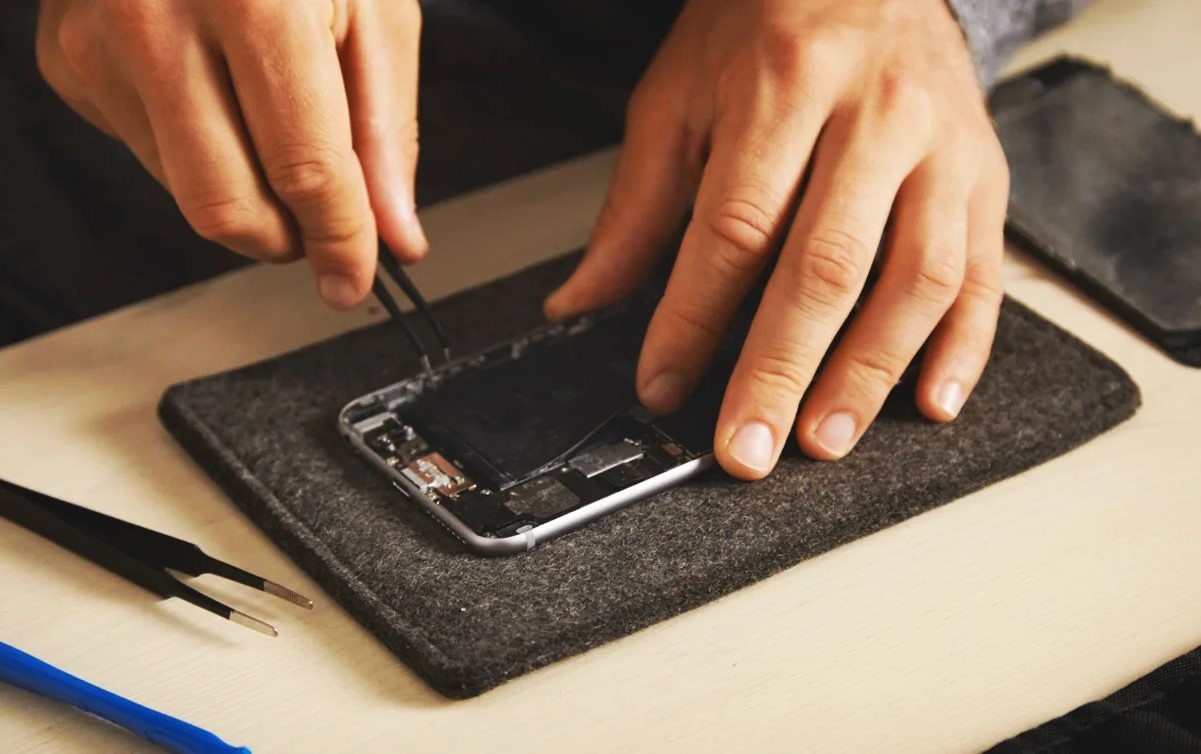
- Detach the Old Battery: Once the internal components are accessible, detach the old battery by disconnecting the relevant cables and removing any adhesive securing the battery in place. Exercise precision and patience to avoid damaging delicate components.
- Install the New Battery: Carefully position the new battery in place, ensuring a secure and stable fit within the designated compartment. Reconnect the necessary cables and fasten any adhesive strips to secure the battery in its position.
- Reassemble the Device: Reassemble the external housing of your iPhone, ensuring that all components are properly aligned and secured. Follow the reverse order of disassembly to restore the device to its original state.
- Power On and Test: Once the battery replacement is complete, power on your iPhone and conduct thorough testing to verify that the new battery functions as intended. Monitor the device for any irregularities and ensure that all features and functionalities operate seamlessly.
It’s important to note that while some users may opt to replace the battery themselves, seeking professional assistance from authorized service providers or technicians is advisable, especially for those without prior experience in device repair. Prioritizing safety and precision throughout the battery replacement process is essential for preserving the integrity and functionality of your iPhone.