Materials Needed
Before you begin removing sticker residue from your electronics, it’s important to gather the necessary materials. These items are readily available and will make the process much easier:
- Isopropyl alcohol
- Cotton swabs or soft cloth
- Goo Gone (or similar adhesive remover)
- Microfiber cloth
- Hairdryer
- Plastic scraper or old credit card
- Mild dish soap
- Warm water
- Baking soda
Having these materials on hand will give you various options for removing sticker residue, depending on the surface and the level of stickiness. Once you have gathered these items, you can move on to the next steps to remove the sticker residue effectively.
Method 1: Removing Sticker Residue with Heat
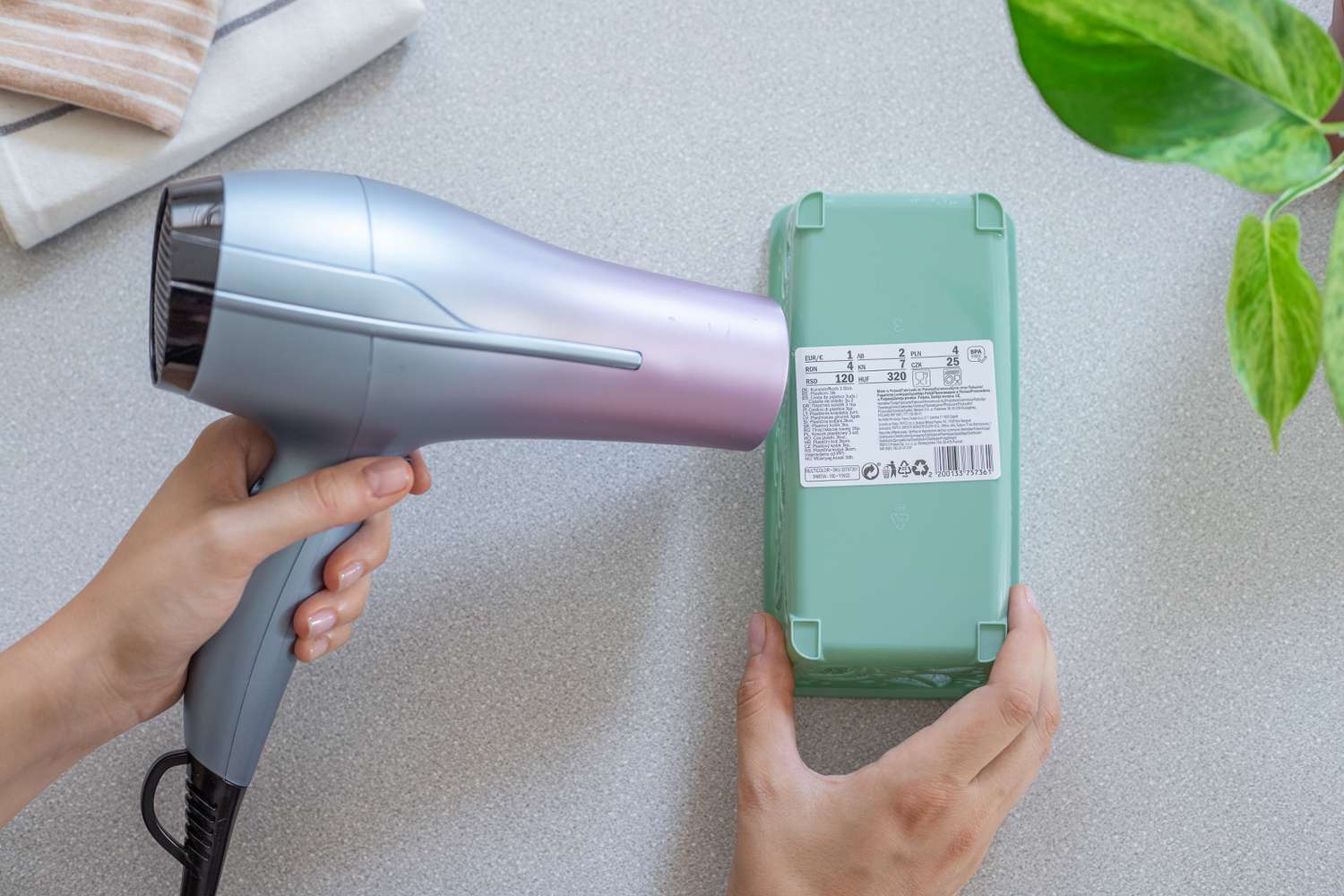
One effective method for removing sticker residue from electronics is by using heat. Follow these simple steps:
- Plug in a hairdryer and turn it on to a low or medium heat setting.
- Aim the hairdryer at the sticker residue area, holding it a few inches away from the surface. Move the hairdryer back and forth in a sweeping motion.
- As the heat warms up the adhesive, gently peel off the sticker residue using a plastic scraper or an old credit card. Be careful not to scratch the surface of the electronics.
- If the residue is stubborn, heat it for a few more seconds and continue scraping until it is completely removed.
- Once the sticker residue is gone, wipe the surface clean with a damp microfiber cloth to remove any remaining adhesive or debris.
The heat method is particularly effective for removing sticker residue from glossy surfaces like plastic or glass. However, exercise caution when using this method on delicate electronics with sensitive components or screens, as excessive heat may cause damage. It’s always a good idea to test a small, inconspicuous area before applying heat to the entire surface.
Method 2: Using Household Products to Remove Sticker Residue
If you don’t have access to specialized adhesive removers, don’t worry! You can use common household products to effectively remove sticker residue from your electronics. Here’s how:
- Start by mixing a solution of warm water and mild dish soap in a bowl.
- Dip a soft cloth or cotton swab into the soapy water solution.
- Gently dab the cloth or cotton swab onto the sticker residue, allowing the solution to soak into the adhesive.
- After a few minutes, begin rubbing the residue in a circular motion, applying gentle pressure.
- If the residue is stubborn, sprinkle a small amount of baking soda onto the damp cloth or cotton swab and continue rubbing.
- Rinse the area with clean water and wipe it dry with a microfiber cloth.
Household products like dish soap and baking soda can break down the adhesive, making it easier to remove sticker residue. However, it’s important to test these products on a small, inconspicuous area of the electronics first to ensure they don’t cause any damage or discoloration.
Alternatively, you can also use rubbing alcohol or nail polish remover (acetone-based) to remove stubborn sticker residue. Apply a small amount of the alcohol or nail polish remover to a soft cloth or cotton swab, and gently rub the residue until it is dissolved. Remember to test these products on a small area first, as they may have varying effects on different surfaces.
Method 3: Removing Stubborn Sticker Residue with Commercial Solvents
If the sticker residue on your electronics is particularly stubborn and refuses to budge with household methods, using commercial solvents specifically designed for adhesive removal can be an effective solution. Follow these steps:
- Choose a commercial adhesive remover like Goo Gone or a similar product that is safe for use on electronics. Read and follow the instructions provided on the product label.
- Apply a small amount of the solvent directly onto a soft cloth or cotton swab.
- Gently rub the cloth or swab onto the sticker residue, allowing the solvent to penetrate the adhesive.
- After a few moments, use a plastic scraper or old credit card to scrape off the residue. Be careful not to scratch the surface.
- If necessary, repeat the process until the sticker residue is completely removed.
- Once the residue is gone, wipe the surface clean with a damp microfiber cloth to remove any remaining solvent.
Commercial solvents are specifically formulated to dissolve stubborn adhesive residues without damaging the surface of the electronics. However, it is crucial to follow the instructions provided by the manufacturer and test the solvent in a small, inconspicuous area before applying it to the entire surface.
Remember to use these solvents in a well-ventilated area and avoid inhaling the fumes. Additionally, make sure to keep them away from children and pets.
Method 4: Preventing Sticker Residue on Electronics in the Future
Prevention is always better than having to deal with sticker residue removal later. By taking a few proactive steps, you can avoid sticky situations. Here are some tips to prevent sticker residue from clinging to your electronics:
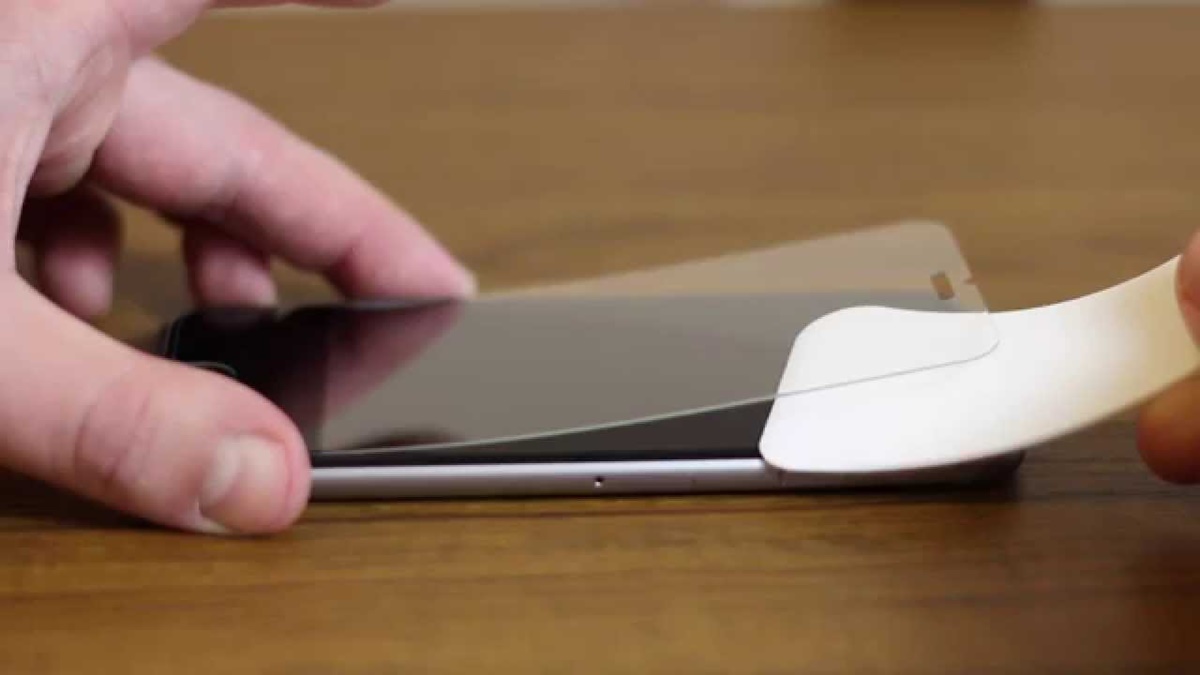
- Apply clear protective film or screen protectors to your electronic devices. These can act as a barrier between the sticker and the surface, making it easier to peel off without leaving residue.
- Consider using removable adhesive tapes or stickers instead of permanent ones when decorating or labeling your electronics. Removable adhesives are designed to come off cleanly without leaving any sticky residue behind.
- Avoid placing stickers or labels on sensitive areas of your electronics, such as buttons, ports, or screens, as removing them may cause damage or leave residue that is more difficult to remove.
- Regularly clean and maintain your electronics. Dust and dirt can collect around stickers, making them harder to remove and leaving behind residue. Use a soft microfiber cloth to wipe your devices clean and keep them looking pristine.
- Store your electronics in a clean and dust-free environment when not in use. Avoid placing them near sticky substances or objects that may leave residue.
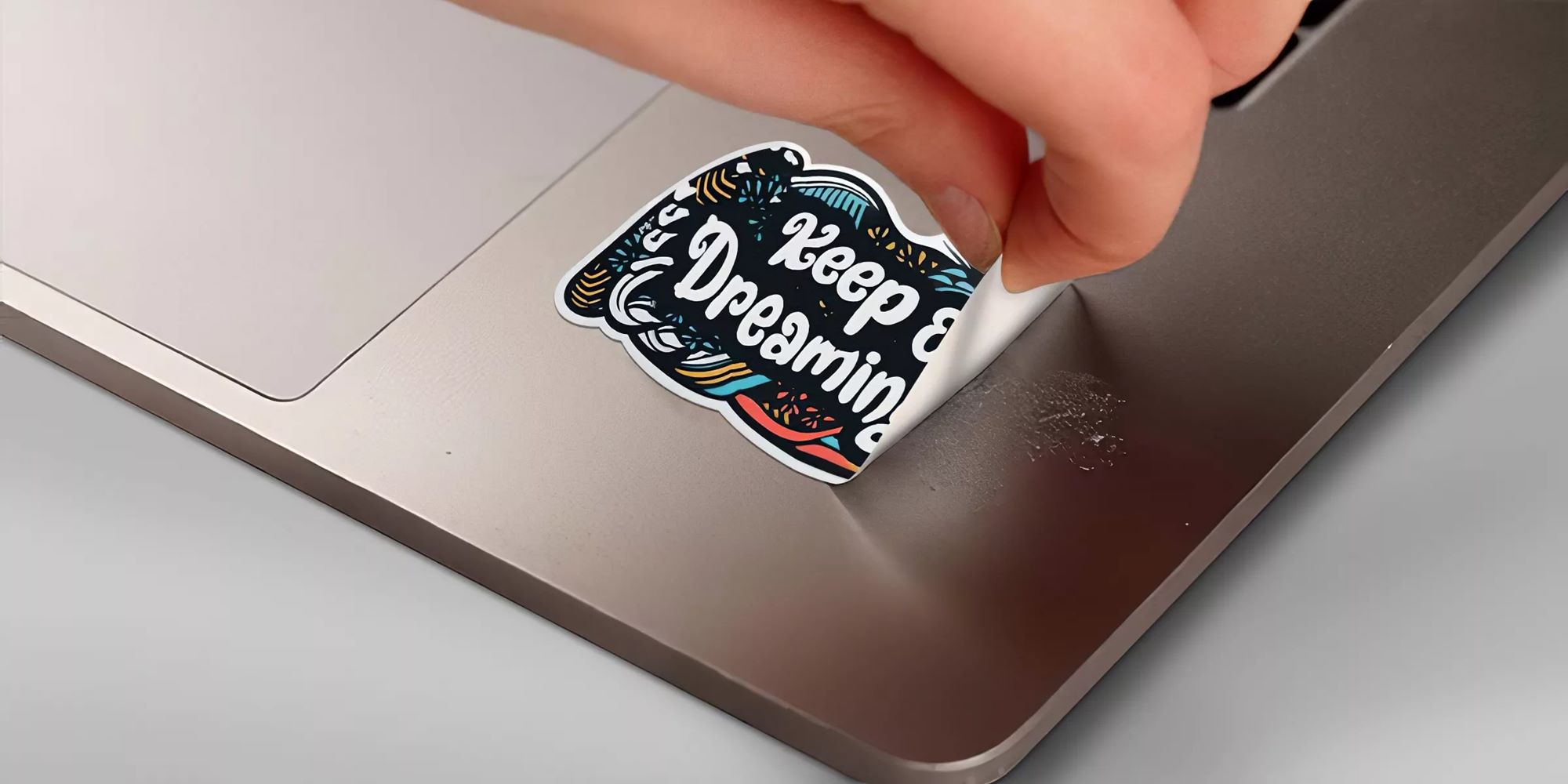
- If you need to remove stickers, do so as soon as possible. The longer a sticker remains on a surface, the more likely it is to leave adhesive residue.
By implementing these preventive measures, you can keep your electronics free from unsightly sticker residue and maintain their appearance and functionality for longer periods.
Tips and Precautions
When dealing with sticker residue on your electronics, it’s important to keep these tips and precautions in mind:
- Always read and follow the instructions provided by the manufacturer of any commercial solvents or adhesive removers you use.
- Test any cleaning solution or method on a small, inconspicuous area of the electronics first to ensure it doesn’t cause any damage.
- Avoid using sharp objects like knives or razor blades to scrape off sticker residue, as they can easily scratch or damage the surface.
- Use gentle, circular motions when rubbing or scraping the residue to minimize any potential damage.
- For delicate electronics, such as smartphones or tablets, it may be best to consult with a professional or the device’s manufacturer for the recommended cleaning method.
- Make sure to unplug and turn off electronic devices before attempting to remove sticker residue to avoid any potential electrical hazards.
- Keep your work area well-ventilated to minimize exposure to fumes from solvents or adhesive removers.
- If you encounter stubborn residue that is difficult to remove, repeat the cleaning process or seek professional assistance.
- Regularly inspect your electronics for any stickers or labels and remove them promptly to prevent the adhesive from adhering too firmly over time.
By following these tips and taking the necessary precautions, you can safely and effectively remove sticker residue from your electronics without causing any damage. Remember to be patient and persistent, as some sticker residues may require multiple attempts or different methods to completely eliminate.