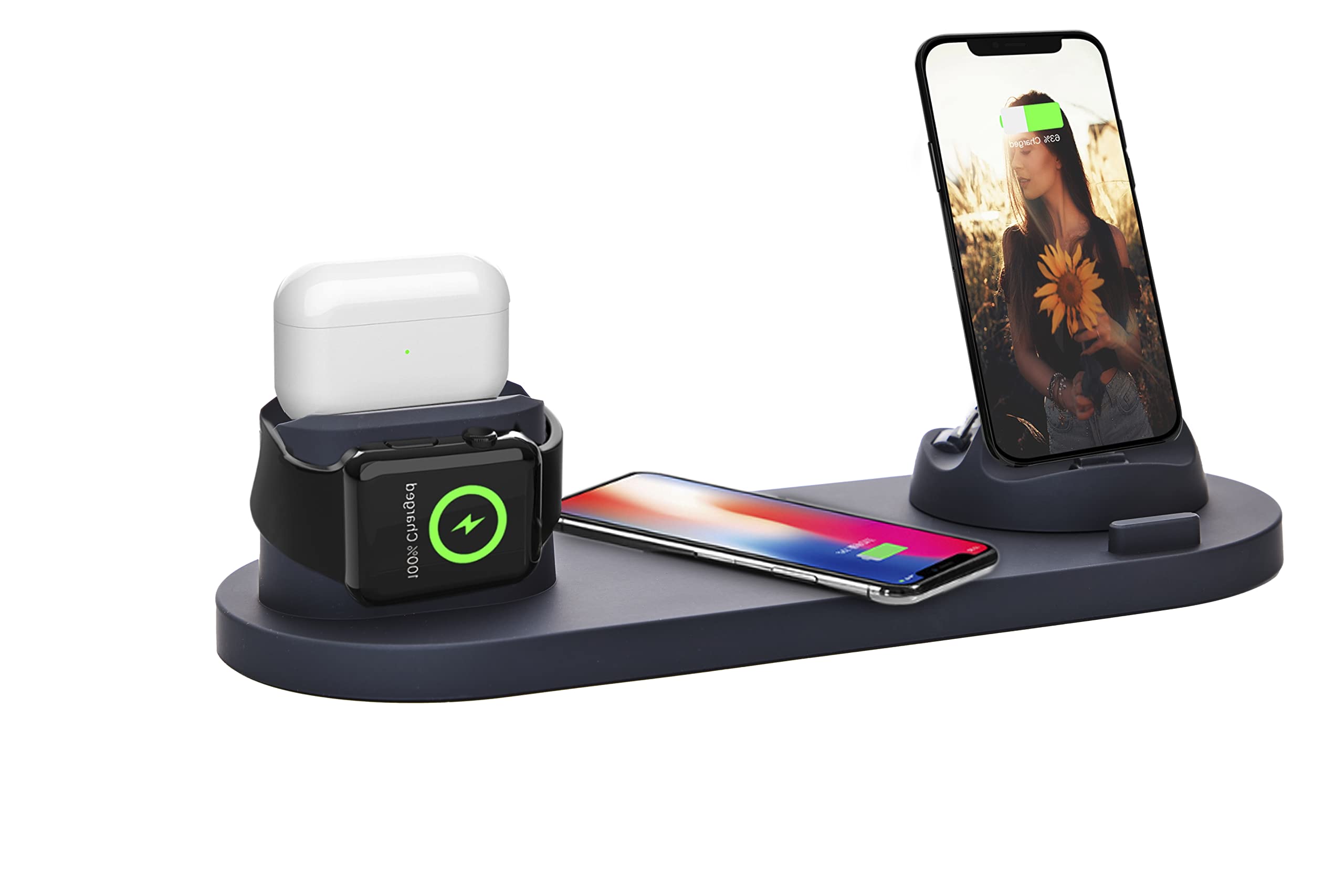
Understanding Heat Generation in Wireless Charging
Wireless charging technology has revolutionized the way we power our devices, offering convenience and efficiency. However, it’s important to understand that heat generation is an inherent aspect of wireless charging. When a device is wirelessly charged, electromagnetic induction is used to transfer energy from the charging pad to the device’s battery. During this process, some energy is inevitably converted into heat.
Several factors contribute to the heat generated during wireless charging. The most significant factor is the energy conversion process itself. As the electromagnetic field is created and the energy is transferred, a portion of it is dissipated as heat. Additionally, the inefficiencies in the conversion process can lead to heat generation, as not all of the energy is effectively utilized to charge the device.
Furthermore, the design and materials of the wireless charging pad and the device being charged can impact heat generation. Inadequate heat dissipation mechanisms, such as poor ventilation or heat sinks, can exacerbate the heat buildup. Similarly, certain materials used in the construction of the charging pad or the device can contribute to increased heat retention.
It’s essential to recognize that while heat generation is a natural byproduct of wireless charging, excessive heat can have detrimental effects on the device’s battery life and overall performance. Therefore, understanding the factors that contribute to heat generation is crucial in effectively managing and addressing heat issues in wireless charging.
Common Causes of Heat Issues in Wireless Charging
Heat issues in wireless charging can stem from various factors, impacting the efficiency and safety of the charging process. Understanding these common causes is vital for effectively troubleshooting and mitigating heat-related issues in wireless charging devices.
- Charging Pad Quality: The quality of the wireless charging pad plays a significant role in heat management. Inferior or non-compliant charging pads may lack advanced heat dissipation mechanisms, leading to excessive heat buildup during charging.
- Device Placement: Incorrect placement of the device on the charging pad can impede proper heat dissipation. Misalignment or off-center positioning can create localized hotspots, resulting in increased heat generation.
- Charging Power: Utilizing a charging pad that delivers a higher power output than the device can handle may lead to excessive heat generation. It’s essential to match the charging pad’s power output with the device’s specifications to prevent overheating.
- Foreign Object Detection: Inadequate or malfunctioning foreign object detection mechanisms in the charging pad can cause it to continuously attempt to charge foreign objects, leading to unnecessary heat generation.
- Device Compatibility: Using incompatible or non-certified devices with the wireless charger can result in heat issues. Non-optimized communication between the device and the charging pad can lead to inefficient energy transfer and increased heat generation.
- Environmental Factors: Ambient temperature and humidity levels can influence heat generation during wireless charging. High ambient temperatures can exacerbate heat issues, especially when combined with poor ventilation or airflow around the charging setup.
Identifying these common causes of heat issues in wireless charging is the first step in troubleshooting and addressing heat-related concerns. By addressing these factors, users can optimize the wireless charging experience while ensuring the safety and longevity of their devices.
Tips for Addressing Heat Issues in Wireless Charging
Effectively managing heat issues in wireless charging not only enhances the user experience but also promotes the longevity and safety of the devices being charged. Implementing the following tips can help address and mitigate heat-related concerns in wireless charging setups.
- Optimal Device Placement: Ensure that the device is correctly aligned and centered on the charging pad to facilitate uniform heat dissipation and prevent localized hotspots.
- Use Certified Charging Pads: Select wireless charging pads that are certified and compliant with industry standards, as they are equipped with advanced heat management features and adhere to safety regulations.
- Monitor Charging Power: Match the charging pad’s power output with the device’s specifications to prevent excessive heat generation. Avoid using high-power charging pads with low-power devices.
- Regularly Inspect the Charging Setup: Periodically check the charging pad, device, and surrounding area for any obstructions, dust, or debris that may impede heat dissipation or trigger unnecessary heat buildup.
- Avoid Overcharging: Remove the device from the charging pad once it reaches full charge to prevent continuous energy transfer, which can lead to heat generation and potential battery degradation.
- Optimize Ambient Conditions: Ensure that the wireless charging setup is placed in a well-ventilated area with adequate airflow to facilitate heat dissipation. Avoid exposing the setup to direct sunlight or extreme temperatures.
- Utilize Device-Specific Charging Pads: Whenever possible, use charging pads specifically designed for the device to ensure optimized communication and efficient energy transfer, minimizing heat generation.
- Update Firmware and Software: Keep the charging pad and compatible devices updated with the latest firmware and software releases, as manufacturers often include optimizations for heat management in updates.
By incorporating these tips into their wireless charging practices, users can effectively address heat issues, optimize charging efficiency, and safeguard the performance and longevity of their devices.
Choosing the Right Wireless Charger for Heat Management
When selecting a wireless charger, prioritizing heat management features is crucial to ensure optimal performance and device safety. Various factors should be considered to choose a wireless charger that effectively mitigates heat issues during charging.
- Certification and Compliance: Opt for wireless chargers that are certified by reputable standards organizations, such as Qi certification for wireless charging pads. Certified chargers undergo rigorous testing for safety and efficiency, including heat management capabilities.
- Advanced Heat Dissipation Mechanisms: Look for chargers equipped with advanced heat dissipation technologies, such as internal cooling fans, heat sinks, or thermal regulation systems. These features help dissipate heat efficiently, preventing excessive temperature buildup.
- Optimized Power Output: Choose a wireless charger that delivers the appropriate power output for your device. Matching the charger’s power output to the device’s specifications minimizes heat generation during charging.
- Foreign Object Detection: Select chargers with reliable foreign object detection mechanisms to prevent unnecessary heat generation caused by continuous attempts to charge foreign objects or obstructions on the charging pad.
- Material Selection: Consider chargers constructed with heat-resistant materials that facilitate effective heat dissipation and minimize heat retention, contributing to overall heat management during charging.
- Manufacturer Reputation: Research the reputation of the charger’s manufacturer, focusing on their commitment to quality, safety, and heat management in their wireless charging products.
- User Reviews and Ratings: Prioritize chargers with positive user reviews and high ratings specifically addressing heat management and overall charging efficiency.
By considering these factors and prioritizing heat management features when choosing a wireless charger, users can ensure a reliable and safe charging experience while effectively addressing heat issues commonly associated with wireless charging.
Best Practices for Heat Management in Wireless Charging Devices
Implementing best practices for heat management is essential to optimize the performance, safety, and longevity of wireless charging devices. By incorporating the following practices, users can effectively address heat issues and maintain an efficient and reliable wireless charging experience.
- Regular Maintenance: Periodically inspect the charging pad and device for dust, debris, or any obstructions that may impede heat dissipation. Clean the charging setup as needed to prevent heat buildup.
- Avoid Extreme Temperatures: Protect the wireless charging setup from exposure to extreme temperatures, as both high and low temperatures can impact heat management and overall charging efficiency.
- Optimal Device Positioning: Ensure proper alignment and centering of the device on the charging pad to facilitate uniform heat dissipation and prevent localized hotspots.
- Monitor Charging Duration: Avoid leaving the device on the charging pad for extended periods after reaching full charge, as continuous energy transfer can lead to unnecessary heat generation and potential battery degradation.
- Utilize Device-Specific Chargers: Whenever possible, use chargers specifically designed for the device to ensure optimized communication and efficient energy transfer, minimizing heat generation.
- Update Firmware and Software: Keep the charging pad and compatible devices updated with the latest firmware and software releases, as manufacturers often include optimizations for heat management in updates.
- Optimize Ambient Conditions: Place the wireless charging setup in a well-ventilated area with adequate airflow to facilitate heat dissipation. Avoid exposing the setup to direct sunlight or heat sources.
- Monitor Heat Output: Be mindful of any excessive heat emitted by the charging pad or device during charging, as it may indicate potential issues that require further investigation or professional assessment.
By adhering to these best practices, users can proactively manage heat issues in wireless charging devices, ensuring optimal performance, safety, and longevity while maximizing the benefits of wireless charging technology.