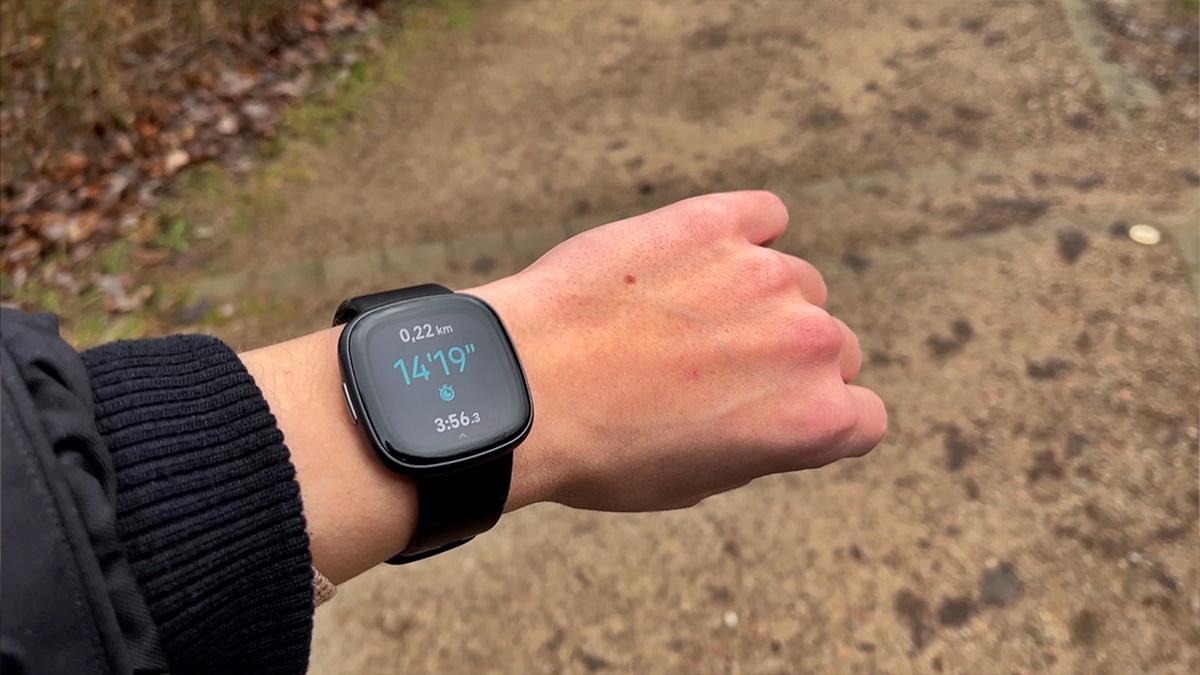
The Different Models of Fitbit
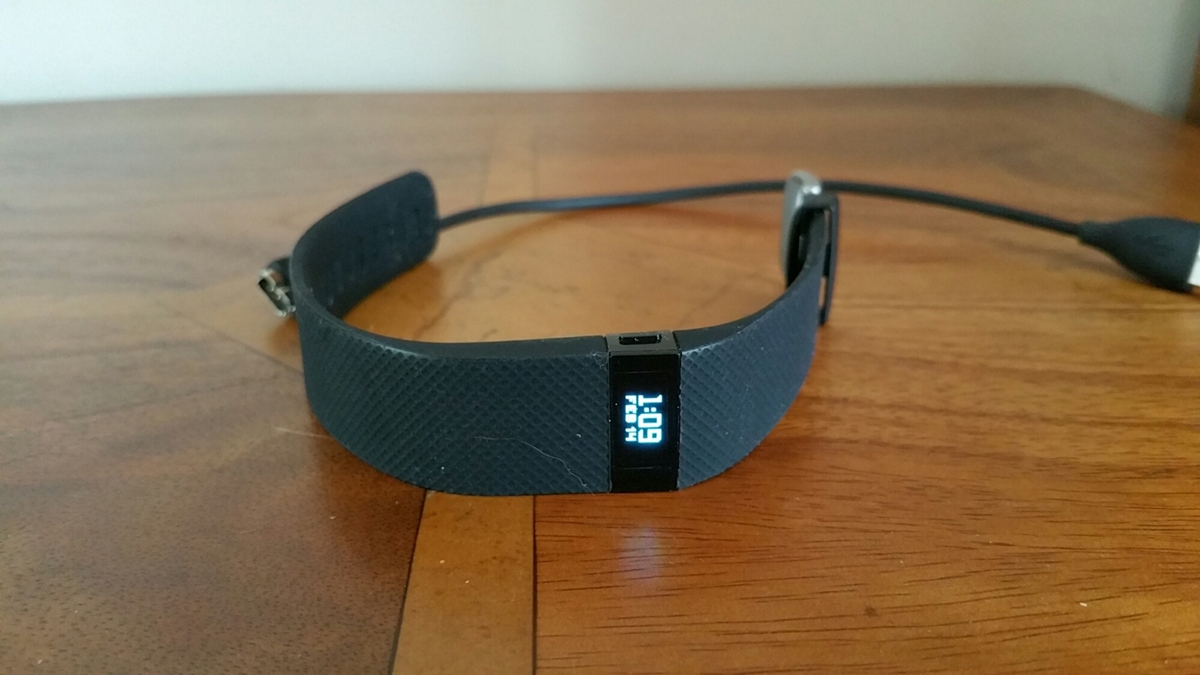
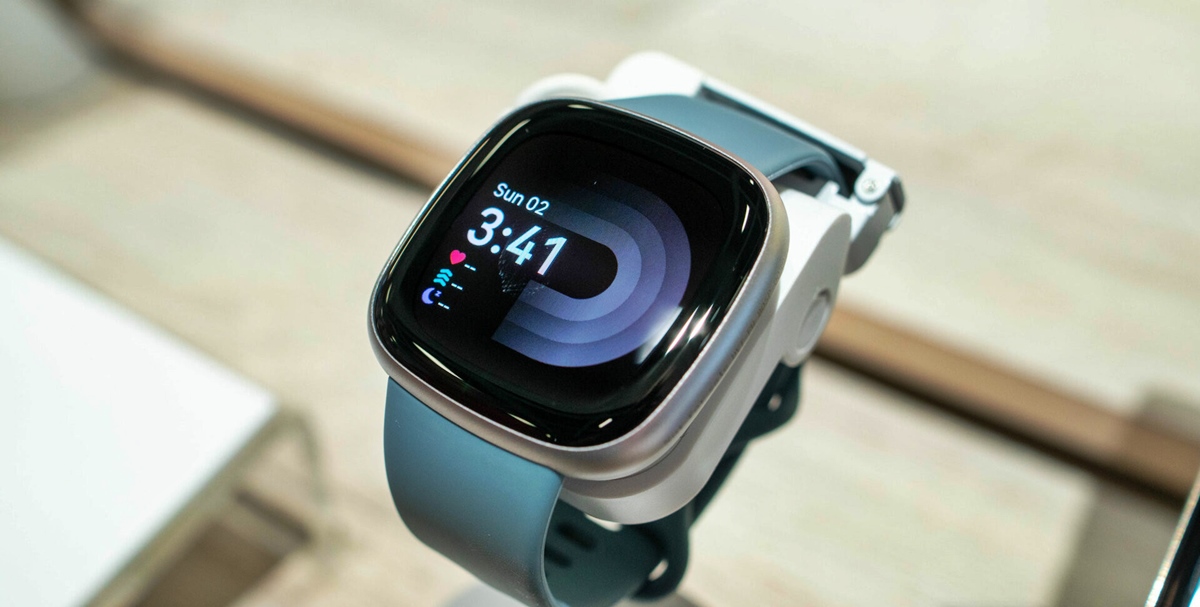
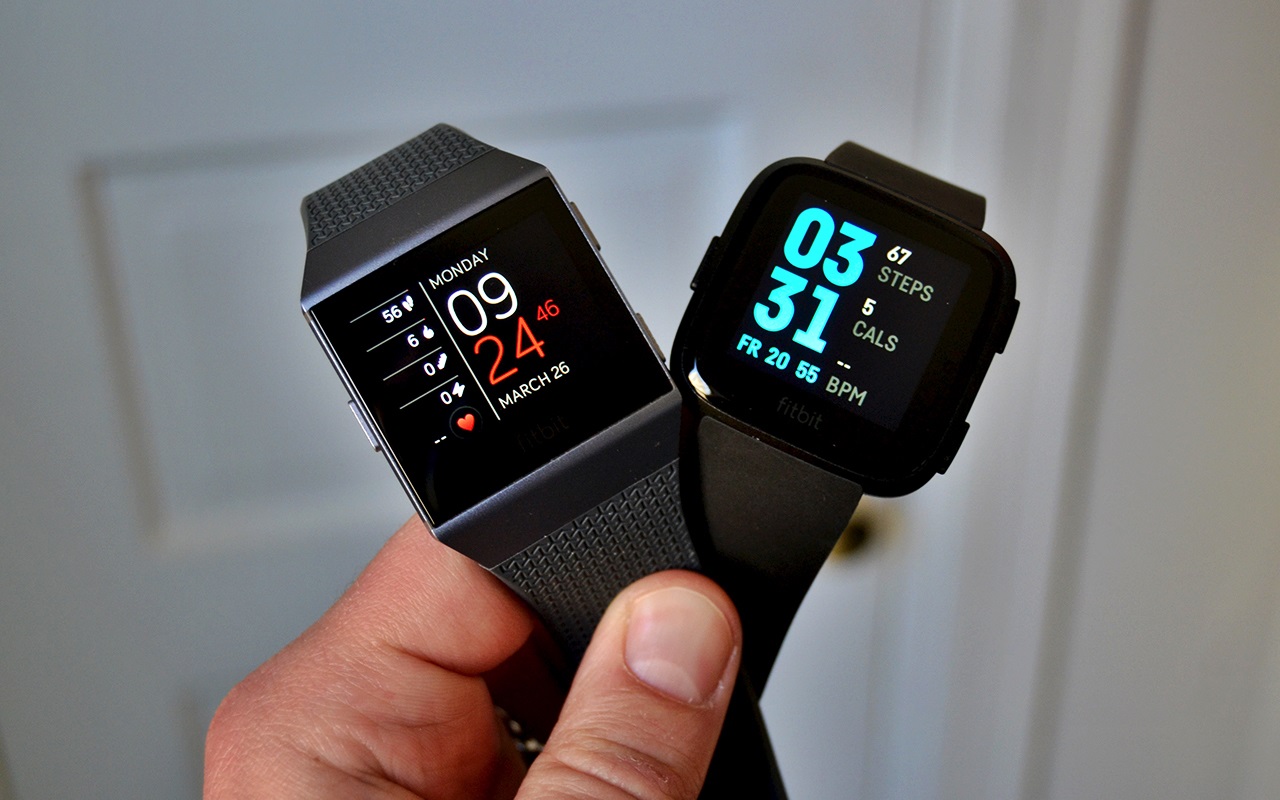
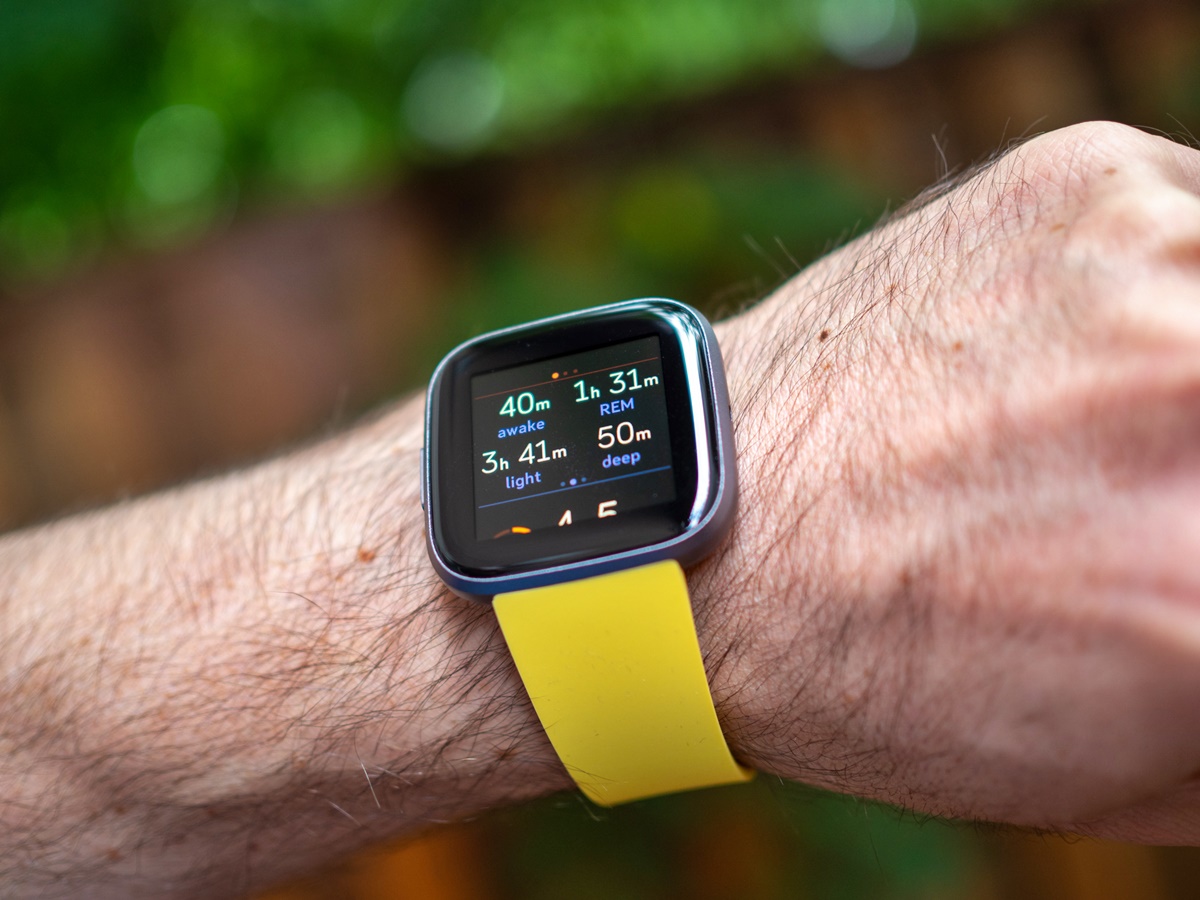
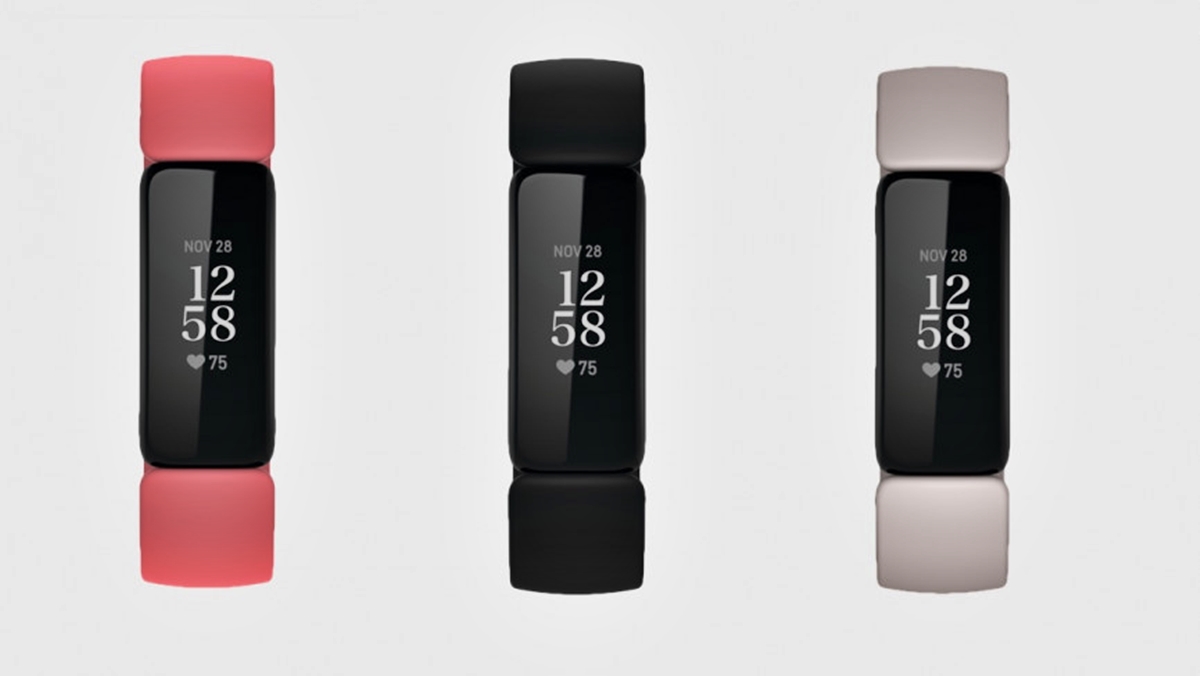
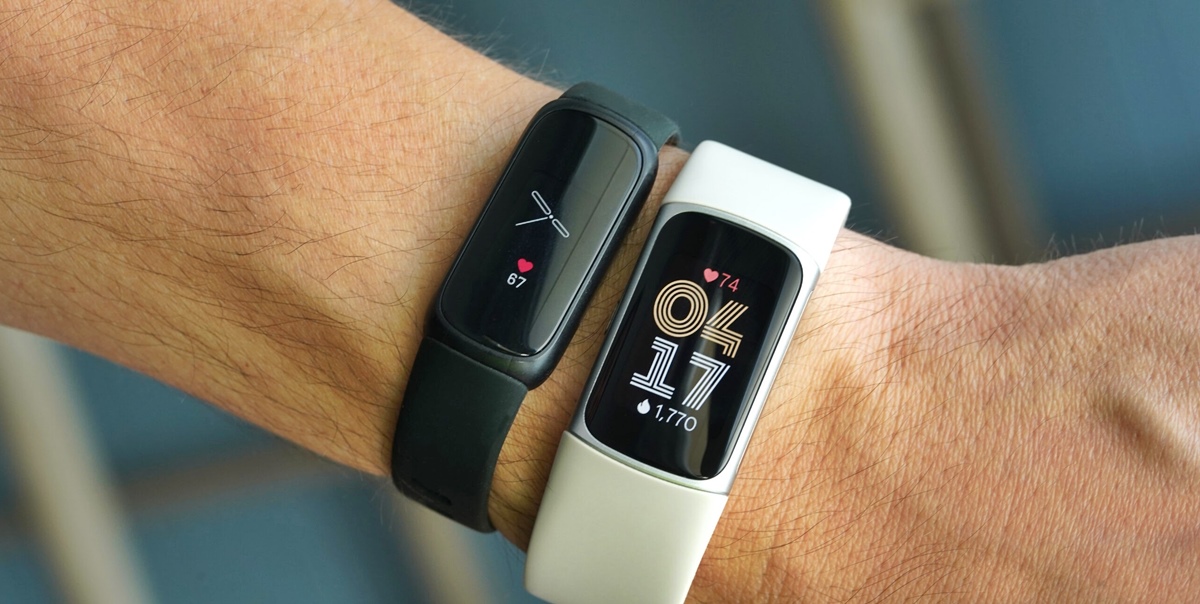
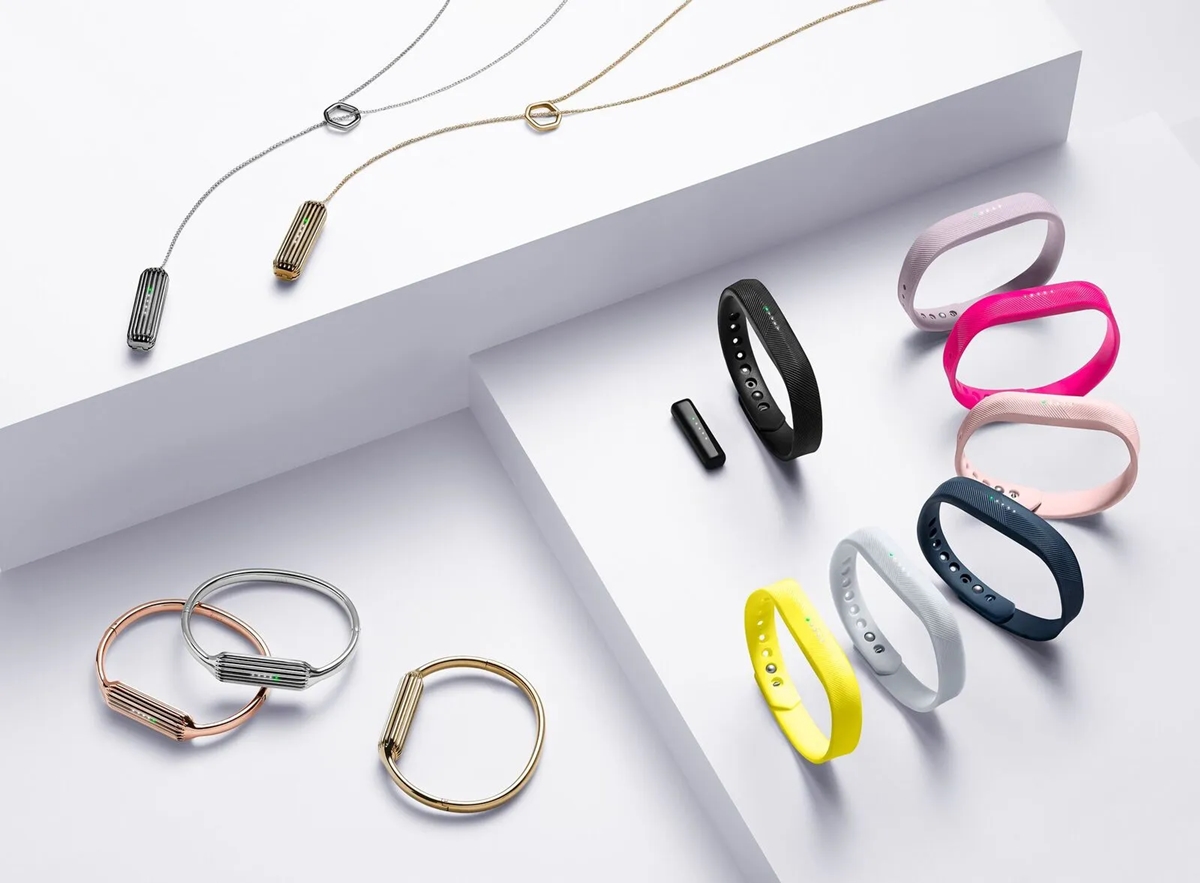
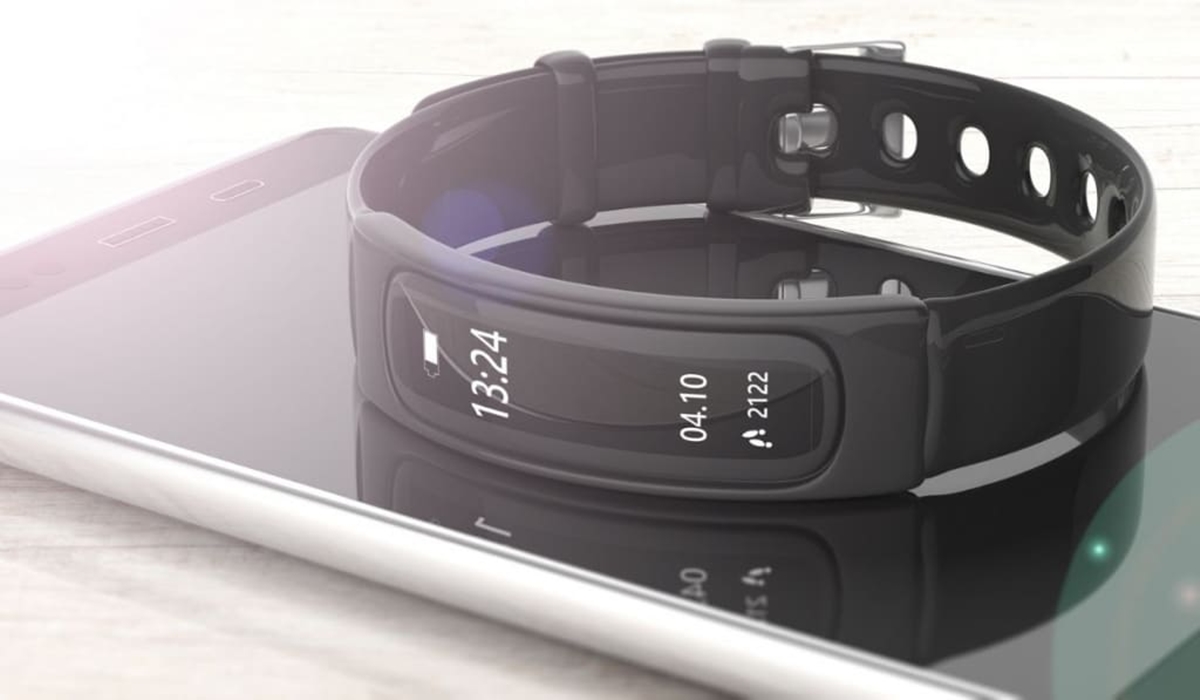
Fitbit has introduced a range of models over the years, each offering unique features and functionalities. To determine which Fitbit model you have, you need to consider a few factors such as the design, display, and available functions. Here are some of the most popular Fitbit models:
- Fitbit Ace: Designed specifically for children, this model encourages them to get active and maintain a healthy lifestyle.
- Fitbit Inspire: A basic fitness tracker that provides essential features such as step counting, sleep tracking, and goal reminders.
- Fitbit Charge: This model offers advanced activity tracking, heart rate monitoring, and a larger display for easier navigation.
- Fitbit Versa: A versatile smartwatch that not only tracks your activity but also allows you to receive notifications from your phone and even make payments.
- Fitbit Ionic: A high-end fitness smartwatch that features built-in GPS, personalized workouts, music storage, and app compatibility.
- Fitbit Sense: The latest addition to the Fitbit family, this model includes advanced health features such as stress tracking, temperature monitoring, and an electrodermal activity sensor.
These are just a few examples of the Fitbit models available. It’s important to note that Fitbit frequently releases new models and updates existing ones to stay ahead in the market, so there may be other variations as well.
To determine the specific Fitbit model you have, it’s helpful to check the device itself, use the Fitbit mobile app, or refer to the packaging or documentation that came with your Fitbit. Let’s explore these methods further in the following sections.
Using the Fitbit Mobile App
The Fitbit mobile app is a convenient way to not only track your fitness and health data but also to identify the specific model of your Fitbit device. Here’s how you can use the app to determine which Fitbit you have:
- Open the Fitbit mobile app on your smartphone or tablet.
- Ensure that your Fitbit device is paired and connected to the app.
- Navigate to the device settings in the app. This may be located under the “Devices” or “Account” tab.
- Look for the section that displays information about your connected Fitbit device. Here you should be able to see the model name or number.
If the model is not explicitly stated, compare the functions and features listed in the app to the known features of different Fitbit models. This can help you narrow down the possibilities and identify the specific model you own.
In cases where you have multiple Fitbit devices connected to the app, you can repeat these steps for each device to determine the model of each device individually.
The Fitbit mobile app not only provides you with information about your Fitbit model but also gives you access to various features and settings for your device. It allows you to set goals, track your activity and sleep patterns, receive notifications, and access additional features specific to your Fitbit model.
Keep in mind that the availability of certain features may differ depending on the Fitbit model you have. The app provides a comprehensive overview of the capabilities of your specific Fitbit device.
Next, let’s explore another method you can use to identify your Fitbit model: checking the hardware of your device.
Find Your Fitbit Device in the App
If you’re unable to determine the specific model of your Fitbit device using the Fitbit mobile app, another method is to locate the device within the app itself. Here’s how:
- Open the Fitbit mobile app on your smartphone or tablet.
- Ensure that your Fitbit device is paired and connected to the app.
- Navigate to the main screen of the app, which typically displays your daily activity summary.
- Look for an icon or image of a Fitbit device that represents your connected device.
- Tap on the device icon or image to access device-specific information and settings.
Within this section of the app, you may find key details about your Fitbit device, such as the model name, firmware version, and serial number. By referring to this information, you can identify the specific model of your Fitbit device.
In cases where the model name is not explicitly mentioned, compare the design and features displayed in the app to known characteristics of different Fitbit models. This can help you narrow down the possibilities and determine the model you own.
It’s worth noting that depending on the Fitbit model you have, the options and settings within the app may vary. The app provides a user-friendly interface to access and manage various features and settings specific to your Fitbit device.
If these methods do not provide clear identification of your Fitbit model, there are a couple of alternative approaches you can try. Let’s explore them in the following sections.
Checking the Hardware
If you’re still unsure about the model of your Fitbit device after using the mobile app, you can physically inspect the device itself. Checking the hardware can provide helpful clues about the model you have. Here’s what you can do:
- Take a close look at the physical design and appearance of your Fitbit device. Pay attention to the shape, size, and overall aesthetics.
- Observe the display of your Fitbit, if it has one. Note the size, type (e.g. color touchscreen, grayscale display), and any distinctive features.
- Check for additional buttons or controls on your Fitbit. Some models have buttons for easy navigation and interaction.
- Inspect the back of your Fitbit device. Look for any imprinted or engraved details, such as the model name or number.
- If your Fitbit has a removable band or strap, examine the inside of the band. Sometimes, the model name or number is printed there.
By closely examining these physical aspects of your Fitbit, you may be able to identify key characteristics that correspond to specific Fitbit models. If you are unable to find any model information on the device itself, don’t worry. There are still a few options to explore.
Let’s move on to the next method: checking the Fitbit website for model details.
Check the Fitbit Website
If you are unable to determine the model of your Fitbit device through the previous methods, visiting the official Fitbit website can provide valuable information. Here’s how you can use the website to identify your Fitbit model:
- Open a web browser on your computer or mobile device.
- Go to the Fitbit website by entering “www.fitbit.com” in the address bar.
- Navigate to the “Products” or “Shop” section of the website.
- Browse the various Fitbit models listed on the website.
- Compare the images, names, and descriptions of the Fitbit models with your device to find a match.
If you find a Fitbit model on the website that closely resembles your device, you can click on it to access more detailed information. The Fitbit website provides comprehensive specifications, features, and compatibility details for each model.
By finding the model on the website that aligns with your device, you can confidently identify which Fitbit you have. Additionally, the Fitbit website also offers helpful resources and support for each model, including FAQs, troubleshooting guides, and user manuals.
If you are still unable to determine the model from the website, there is one more avenue you can pursue: checking the packaging or documentation that came with your Fitbit.
Look at the Packaging or Documentation
If you still haven’t been able to identify the model of your Fitbit device, checking the packaging or documentation that came with your Fitbit can provide valuable information. Here’s what you can do:
- Locate the original packaging of your Fitbit device.
- Examine the box for any labels, stickers, or printed information that indicates the specific model of your Fitbit.
- If you have discarded or misplaced the packaging, search for any accompanying documentation such as user manuals, quick start guides, or warranty information.
- Review the documentation to see if it explicitly mentions the model name or number.
- Make note of any other details provided, such as unique features or specifications, that can help you narrow down the possibilities.
The packaging and documentation tend to include accurate information about the specific Fitbit model you purchased. It is important to note that Fitbit frequently updates their packaging and documentation, so make sure you are referring to the materials that came with your device.
If you are unable to locate the packaging or documentation, don’t worry. There is one more method you can try, which involves seeking assistance from the Fitbit community.
Ask the Fitbit Community
If all else fails and you’re still uncertain about the model of your Fitbit device, seeking assistance from the Fitbit community can be a helpful resource. The Fitbit community is a vibrant online community of Fitbit users and enthusiasts who can provide insights and assistance. Here’s how you can harness the power of the Fitbit community to identify your device:
- Visit the Fitbit Community website or access the community forums through the Fitbit mobile app.
- Create an account or log in if you already have one.
- Navigate to the appropriate section of the community forum, such as the “General Discussion” or “Device Help” section.
- Post a message explaining your situation and asking for assistance in identifying your Fitbit model. Be sure to include any distinguishing features or details about your device to help community members provide accurate guidance.
- Check back regularly for responses from the community. Fitbit users and enthusiasts are often eager to help and share their knowledge and experiences.
The Fitbit community is known for its friendly and supportive atmosphere, making it a great place to seek assistance when you need help identifying your Fitbit model.
Keep in mind that the Fitbit community forum is not an official customer support channel. However, the community can offer valuable insights and suggestions based on their own experiences with Fitbit devices.
By engaging with the Fitbit community, you increase your chances of receiving assistance in identifying the model of your Fitbit device.
Now that we have explored various methods to help you identify your Fitbit model, you should have a clearer understanding of which Fitbit device you own. Whether it’s through the Fitbit mobile app, checking the hardware, visiting the Fitbit website, reviewing the packaging or documentation, or seeking help from the Fitbit community, these steps will aid you in determining the model of your Fitbit device.