Battery Life Expectations
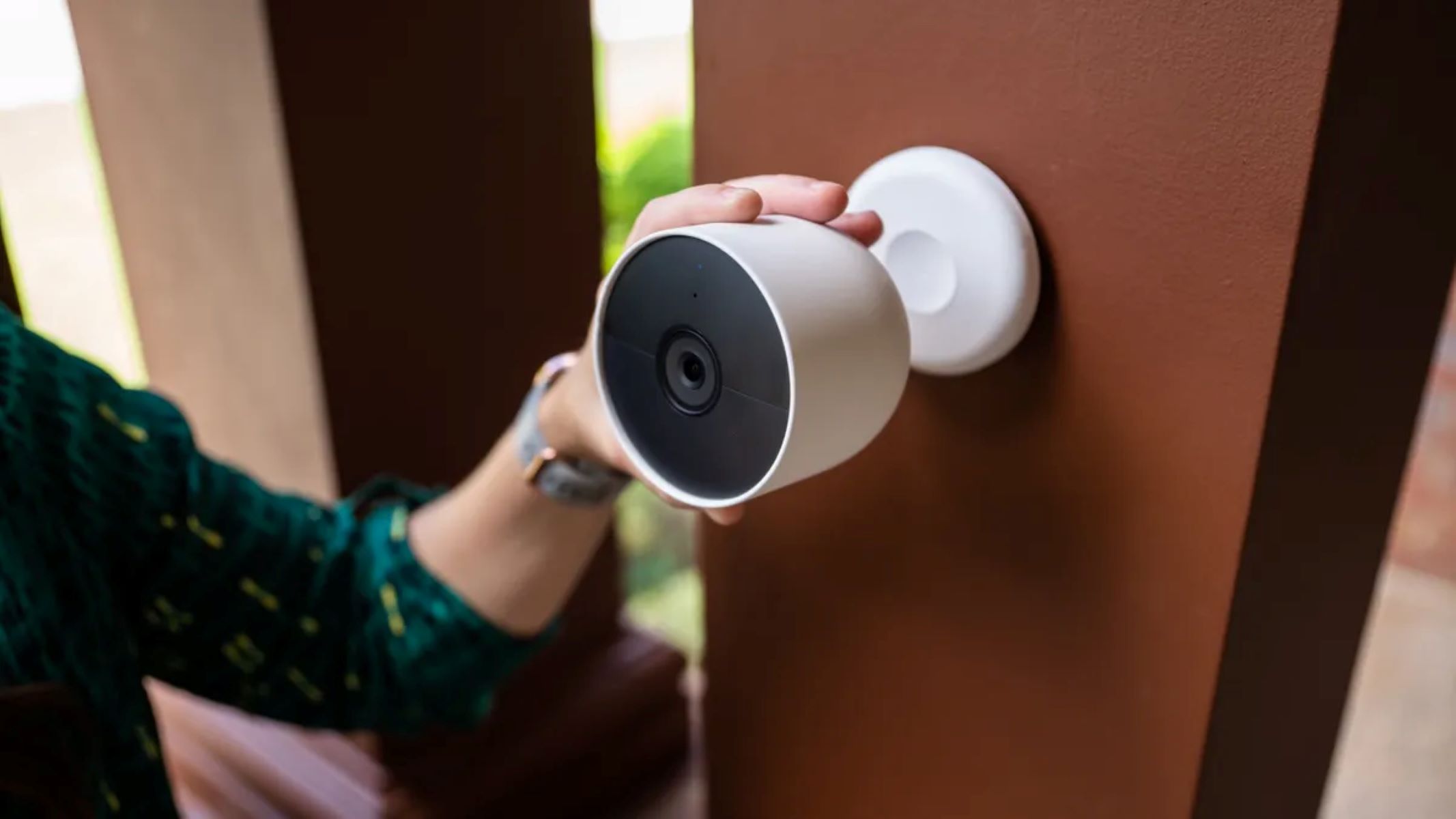
When investing in a Nest camera, understanding the expected battery life is crucial for seamless operation and optimal performance. The battery life of a Nest camera can vary based on several factors, including usage patterns, environmental conditions, and specific model specifications.
On average, the battery life of a Nest camera typically ranges from three to six months. However, it’s important to note that this estimation is based on standard usage, such as an average number of daily recordings and typical environmental temperatures. Actual battery life may vary based on individual usage patterns and environmental factors.
Factors such as frequent motion detection, continuous streaming, or extreme temperatures can impact the battery life of your Nest camera. Understanding these factors and their potential influence on battery duration is essential for effectively managing your camera’s power supply.
It’s important to consider the specific model of your Nest camera when evaluating battery life expectations. Different models may have varying battery capacities and power consumption rates, leading to differences in overall battery duration.
By setting realistic expectations for battery life and understanding the factors that can influence it, Nest camera users can make informed decisions about usage patterns, environmental placement, and the need for additional power sources to ensure uninterrupted surveillance and security monitoring.
Factors Affecting Battery Life
Several key factors can significantly impact the battery life of a Nest camera, influencing its overall performance and the frequency of recharging. Understanding these factors is essential for optimizing the camera’s battery duration and ensuring reliable operation.
- Usage Patterns: The frequency of motion detection, live streaming, and recording events can directly affect the battery life of a Nest camera. Continuous and frequent usage will deplete the battery more rapidly than sporadic or minimal activity.
- Environmental Conditions: Extreme temperatures, whether hot or cold, can impact battery performance. High temperatures can accelerate battery drain, while extremely cold conditions may temporarily reduce battery capacity. Additionally, prolonged exposure to direct sunlight can affect the camera’s internal temperature and, in turn, its battery life.
- Video Quality Settings: Higher video quality settings, such as increased resolution and frame rates, can consume more power during recording and streaming, leading to a shorter battery life. Adjusting the video quality settings based on specific monitoring needs can help conserve battery power.
- Wireless Signal Strength: A weak or unstable wireless connection between the camera and the Wi-Fi network can result in increased power consumption as the camera attempts to maintain a consistent connection. Ensuring a strong and reliable wireless signal can help optimize battery life.
- Placement and Mounting: The physical placement of the camera and its mounting orientation can impact its exposure to environmental elements, such as direct sunlight, rain, or snow. Strategic placement and protective mounting can minimize environmental stress and contribute to prolonged battery life.
By considering and managing these influencing factors, Nest camera users can proactively address potential battery drainage issues and implement strategies to extend the camera’s battery life. Awareness of these factors empowers users to make informed decisions regarding camera usage, settings, and environmental placement to maximize the reliability and longevity of their Nest camera’s battery.
Tips for Extending Battery Life
Maximizing the battery life of your Nest camera is essential for uninterrupted surveillance and long-term convenience. By implementing the following tips, users can effectively extend the battery duration of their Nest cameras while maintaining reliable performance.
- Optimize Motion Detection Settings: Fine-tune motion detection sensitivity and activity zones to minimize unnecessary recordings and alerts, reducing overall battery consumption.
- Adjust Video Quality: Consider lowering the video quality settings to conserve battery power, especially in scenarios where high-definition video is not essential for monitoring purposes.
- Utilize Scheduling Features: Take advantage of scheduling options to control when the camera is actively monitoring, allowing for periods of inactivity to conserve battery life during low-traffic hours or specific timeframes.
- Maintain Wireless Connectivity: Ensure that the camera maintains a strong and stable wireless connection to minimize power usage associated with wireless signal management and reconnections.
- Strategic Camera Placement: Position the camera in a location that minimizes exposure to direct sunlight and extreme temperatures, optimizing environmental conditions for prolonged battery life.
- Regularly Monitor Battery Status: Stay informed about the camera’s battery level through the Nest app and proactively address low battery notifications to avoid interruptions in surveillance due to depleted power.
- Utilize Solar Panel Accessories: Consider integrating compatible solar panel accessories to provide a continuous power source for the Nest camera, reducing reliance on battery power and extending operational duration.
- Perform Firmware Updates: Keep the camera’s firmware up to date to ensure optimal power management and efficiency, benefiting from potential enhancements that can positively impact battery life.
By implementing these proactive measures and leveraging the available features and settings, Nest camera users can effectively extend the battery life of their devices, promoting consistent and reliable surveillance capabilities while minimizing the need for frequent recharging.
Understanding Battery Usage Data
Accessing and interpreting the battery usage data of your Nest camera provides valuable insights into its operational patterns and power consumption, empowering users to make informed decisions and optimizations. The Nest app offers detailed information regarding battery usage, allowing users to understand and analyze the factors influencing battery life.
Key aspects of battery usage data include:
- Battery History: The Nest app provides a historical overview of the camera’s battery level, showcasing trends and fluctuations over time. Understanding patterns in battery usage can highlight periods of increased activity or environmental impact.
- Power Consumption Metrics: Detailed metrics on power consumption, such as average daily usage and specific events triggering power-intensive operations, offer insights into the factors influencing battery drain.
- Environmental Impact: The app may provide environmental data, including temperature and weather conditions, allowing users to correlate environmental factors with battery performance and identify potential stressors.
- Usage Analytics: Access to usage analytics, such as motion detection frequency, live streaming duration, and recording events, enables users to evaluate the impact of their monitoring habits on battery life.
By analyzing this battery usage data, users can identify opportunities for optimization and implement targeted strategies to extend battery life. For example, observing patterns of high power consumption during specific hours may prompt users to schedule camera downtime during low-traffic periods to conserve battery power.
Furthermore, leveraging the insights gained from battery usage data can guide users in adjusting settings, refining monitoring habits, and optimizing environmental placement to proactively address factors contributing to battery drain. This data-driven approach empowers users to make informed decisions that positively impact the reliability and longevity of their Nest camera’s battery.
Recharging the Nest Camera Battery
Recharging the battery of your Nest camera is a straightforward process that ensures uninterrupted surveillance and reliable performance. When the camera’s battery level becomes low, recharging is essential to maintain its operational readiness. Here are the essential steps for recharging the Nest camera battery:
- Remove the Battery: If your Nest camera model features a removable battery, carefully detach it from the camera unit according to the manufacturer’s instructions.
- Use the Provided Charger: Utilize the designated charger provided with your Nest camera to ensure safe and efficient recharging. Connect the charger to a power source.
- Insert the Battery into the Charger: Place the camera’s battery into the charger, ensuring a secure fit to initiate the recharging process.
- Monitor the Charging Status: Keep an eye on the charging status indicator to track the progress of the recharging process. The indicator may display a steady light or change color to signify different charging stages.
- Complete Recharging: Once the battery is fully recharged, remove it from the charger and insert it back into the Nest camera, following the manufacturer’s guidelines for proper installation.
- Verify Power Level: Use the Nest app to verify that the camera’s battery has been successfully recharged and is ready for operation. Ensure that the battery level is sufficient for the intended monitoring duration.
It’s important to adhere to the manufacturer’s recommendations and safety guidelines when recharging the Nest camera battery to prevent damage and ensure optimal performance. Additionally, consider investing in a backup battery to seamlessly swap out depleted batteries with fully charged ones, minimizing downtime and maintaining continuous surveillance capabilities.
By following these recharging procedures and incorporating best practices for battery maintenance, users can effectively manage the power supply of their Nest cameras, promoting consistent and reliable monitoring without interruptions due to depleted batteries.